Disposable Emails: Detection and Suppression for Senders
 Emmanuel KwartengJune 16, 2026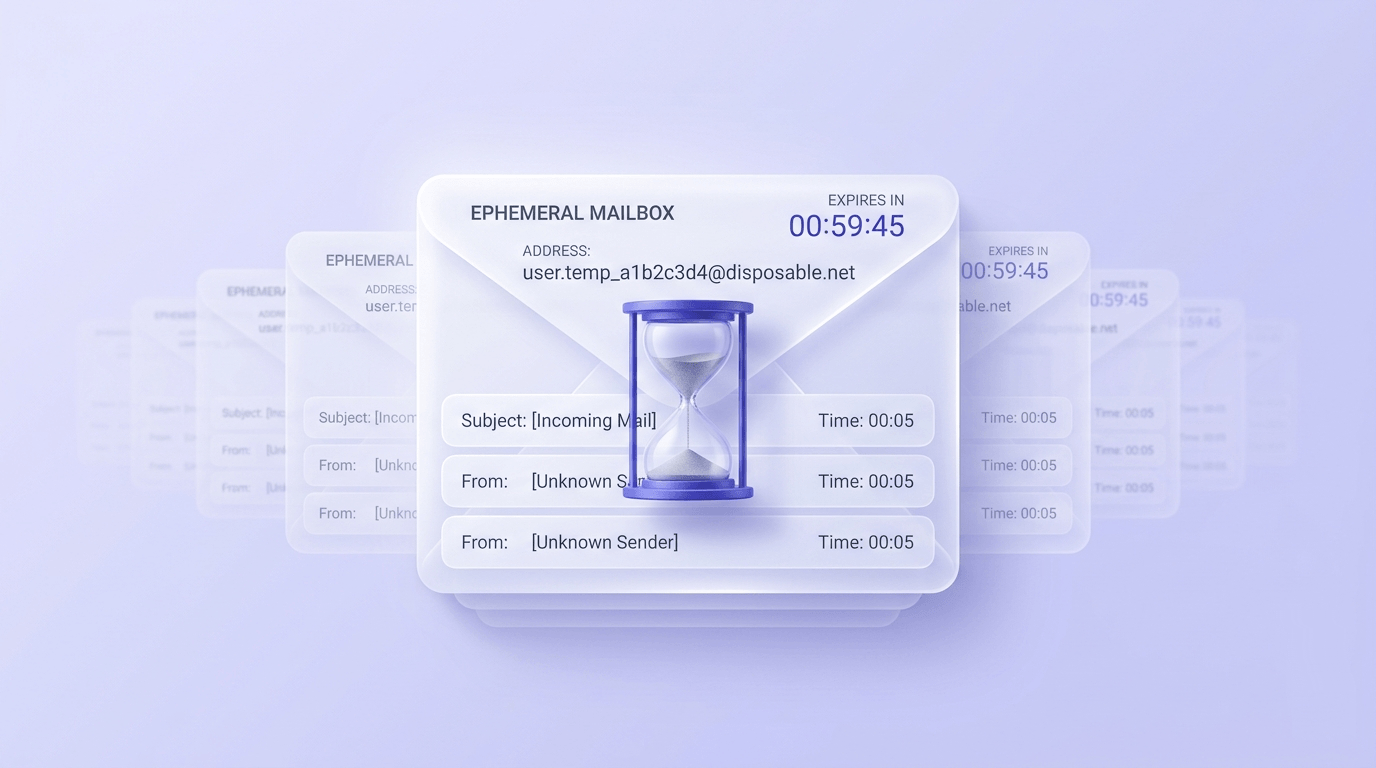
Every day, a fraction of the people signing up for your list have no intention of giving you their real email address. They reach for a disposable one — a temporary inbox that accepts the confirmation email, delivers the thing they wanted, and vanishes. Weeks later, that address is either bouncing hard or silently dropping your mail into a void.
Most writing about disposable emails is aimed at the person using them. This post is for the sender on the other end — the one who ends up with a growing pile of dead addresses, a bounce rate climbing past 2%, and an ESP support team asking uncomfortable questions.
You'll learn how disposable emails work, why they end up in your list in the first place, how to detect and block them before they cause damage, and — critically — where the line sits between a true throwaway address and a legitimate privacy alias that your blocklist might be incorrectly flagging.
What disposable emails actually are
A disposable email address is a temporary inbox with no account, no password, and a built-in expiry date. You visit a site, copy a generated address, use it once, and the inbox self-destructs. The names vary — tempmail, throwaway email, 10-minute mail, burner email — but the mechanic is the same.
The inbox is usually public or semi-public by design. Anyone who knows the address can read messages sent to it — there is no authentication step. That is the feature, not a bug, from the user's perspective.
Expiry windows differ by provider. 10minutemail gives you exactly what it advertises. Internxt's temporary mail lasts around 3 hours. DisposableMail runs up to two weeks. The address works right up until it doesn't, with no notification to you as the sender.
Disposable vs. alias forwarding — an important distinction
Disposable addresses are time-limited and tied to no real inbox. Alias forwarding services — Apple Hide My Email, DuckDuckGo Email Protection, SimpleLogin — generate a permanent address that forwards to a real mailbox. They look similar on the surface but behave completely differently for senders. More on this in the section on privacy aliases below.
Why people use them — five legitimate use cases
Before treating every disposable address as adversarial, it's worth understanding why people reach for them. The motivations are mostly rational.
- Signing up for a site you'll visit once. A tool, a calculator, a one-off resource — no one wants a nurture sequence for something they'll never open again.
- Downloading a gated PDF without triggering a drip campaign. The whitepaper is public knowledge wrapped in a form. The disposable address gets past the gate.
- QA testing email flows. Developers need real addresses to test confirmation emails, password resets, and transactional sequences without filling up a personal inbox.
- One-off ecommerce purchases from aggressive remarketers. If a retailer is known for daily promotional sends, a throwaway address is a reasonable defense.
- Publishing an address in a public forum. Bots harvest any address posted publicly. A disposable address absorbs the spam without contaminating a real inbox.
None of these use cases involve malicious intent. But from your side of the list, the outcome is the same: an address that will stop working, at an unknown point, with no warning.
The sender's problem: disposable addresses in your list
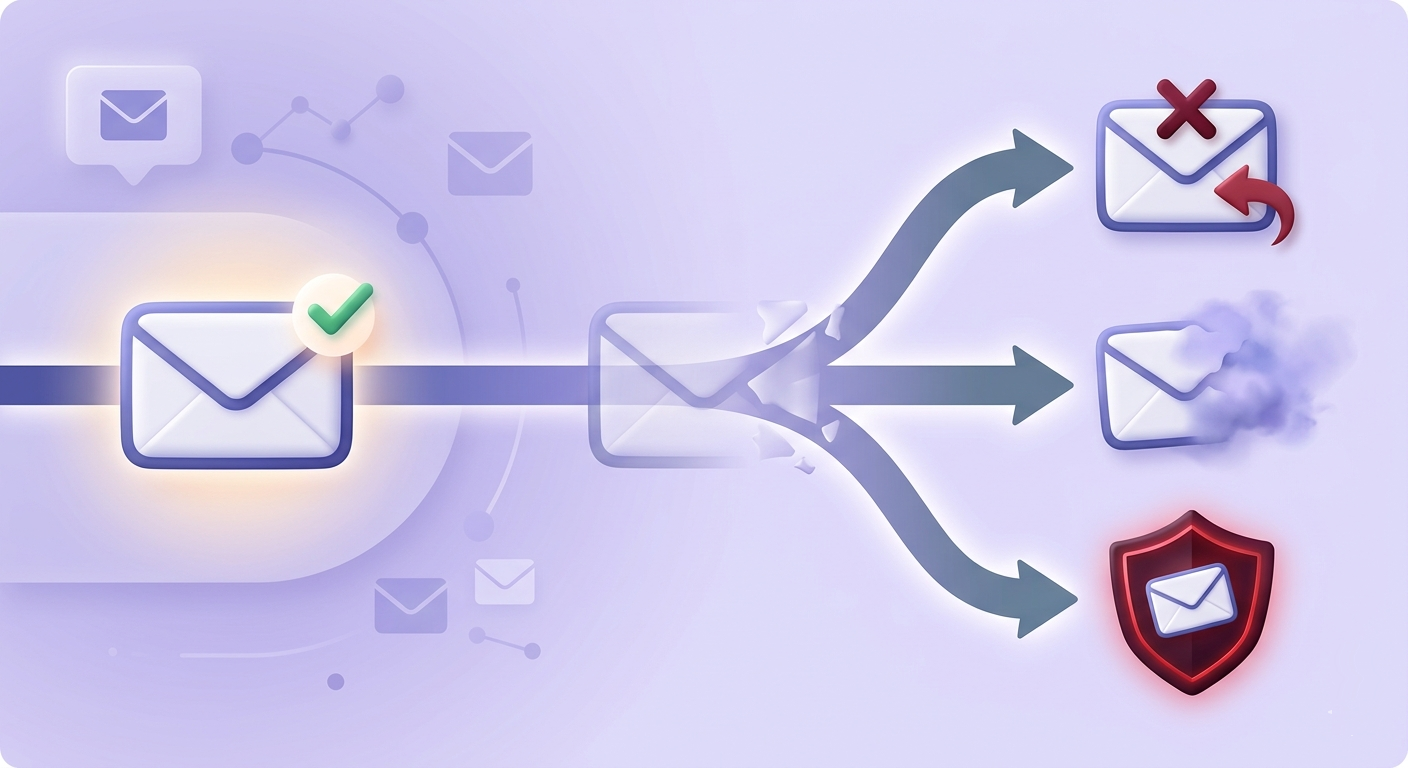
A disposable address that signed up six months ago is almost certainly invalid by now. When you send to it, one of three things happens: it hard-bounces, it's silently swallowed by a domain that became catch-all after the original service shut down, or — worst — it's now a spamtrap.
Spamtrap operators actively recycle expired disposable domains. A domain that ran a free temporary mail service, shut down, and got acquired by a blacklist operator is now a reputation minefield. Every send to it is logged.
The engagement collapse is subtler but just as damaging. A segment of dead disposable addresses drags down your open rate, click rate, and reply rate — the signals inbox providers use to decide whether your mail belongs in the primary tab or the spam folder. You can read more about how this compounds over time in the guide to email deliverability vs. delivery and why list hygiene comes first.
Here's the deal: ESPs don't wait for you to notice. Bounce spikes trigger automated account reviews. Mailchimp, Klaviyo, SendGrid — all of them have abuse teams that flag accounts when bounce rates climb suddenly. Enough bounces and your account is suspended before your next campaign goes out.
How disposable email detection works
No single detection method catches everything. The providers that are easy to detect get caught by domain blocklists. The ones that are harder to detect require live SMTP checks. A complete detection stack uses four layers.
Domain blocklist lookup
The fastest and cheapest check: compare the email's domain against a database of known disposable providers. Valid Email Checker tracks 111,102 disposable domains, refreshed weekly. This catches the majority of common providers — 10minutemail, Guerrilla Mail, Mailnator — instantly, before any network request is made.
MX record fingerprinting
Disposable email services often share mail server infrastructure. A domain with MX records pointing to a known temporary-mail cluster is a strong signal even if the domain itself isn't in the blocklist yet. This catches new providers that launched after the last blocklist refresh.
Catch-all detection
Some disposable-adjacent domains accept mail to any address — they never reject at the SMTP level. Catch-all detection identifies these domains so you know that a 250 OK response from the mail server doesn't mean the specific mailbox exists. For more on how catch-all domains affect verification, see the complete guide to catch-all emails.
SMTP handshake probing
The live check: connect to the mail server and ask whether the specific mailbox currently accepts mail. This is the only method that can confirm or deny mailbox existence at the moment of verification. It's slower than a blocklist lookup but catches addresses on domains that aren't blocklisted yet and aren't catch-all.
The reason you need all four: blocklists lag behind new providers. MX fingerprinting misses providers on dedicated infrastructure. Catch-all detection can't confirm individual mailboxes. SMTP probing alone is too slow for high-volume real-time use. The 11-stage verification engine combines all of these into a single verdict.
Blocking disposable emails at the point of capture
The cheapest place to stop a disposable address is before it enters your database. A real-time verification call on your signup form costs a fraction of a cent. Cleaning it out of an aged list — after it's driven up your bounce rate — costs considerably more in sender reputation.
Client-side blocklist checks — a JavaScript library that checks the domain against a bundled list — are fast but stale. They can only catch providers that were known when the library was last updated. A new disposable service that launched two weeks ago won't be in any client-side bundle. Server-side SMTP probing catches those. Use both.
The UX detail that most teams get wrong: the error message. "Invalid email address" is confusing when the address is syntactically valid. "Please use a permanent email address — temporary inboxes aren't accepted" tells the user exactly what to do. Clarity reduces support tickets and stops legitimate users from bouncing off a form they don't understand.
Transactional vs. newsletter — the tradeoff is different
Transactional senders (order confirmations, password resets, account alerts) should block disposable addresses hard — a user who can't receive transactional mail will file a support ticket or chargeback. Newsletter publishers face a softer tradeoff: some readers genuinely prefer alias-forwarding for privacy, and blocking too aggressively loses real subscribers. For newsletters, consider showing a warning rather than a hard block, then suppressing after the first bounce.
You can check whether an address is disposable before it enters your list with a single lookup, or integrate the API directly into your signup form for automated real-time blocking. The API overview covers the single-verification endpoint — sub-second response time, purpose-built for form validation.
Is this address disposable?
Paste any email address to see a live 11-stage result — including disposable, catch-all, and role detection.
Powered by Valid Email Checker — full SMTP handshake, disposable + role detection, no card required.
Cleaning disposable addresses out of an existing list
If you're reading this because you already have a list problem, the fix is a bulk verification pass before your next send. Flag every address with a disposable status, move those addresses to a suppression list, and exclude them from all future campaigns.
Suppression, not deletion. The distinction matters for audit trails — if an ESP or a compliance request ever asks why you stopped sending to a particular address, "moved to suppression after verification flagged it as disposable" is a clean answer. Permanent deletion removes that record.
Skip re-engagement campaigns for confirmed disposable addresses. Re-engagement is designed for real subscribers who went cold. A disposable inbox that expired eight months ago has no human on the other end to win back. Going straight to suppression saves send budget and protects your reputation.
How often to re-run: any list older than six months warrants a full re-verification pass. Disposable addresses that were still active at signup may have expired in the intervening months. Lists that grow quickly — through paid ads, lead magnets, or content downloads — accumulate disposable addresses faster and need more frequent passes. The bulk verification walkthrough covers the mechanics.
What to do with catch_all results from disposable-adjacent domains: treat them as unverified and undeliverable until proven otherwise. A catch-all domain in the disposable-provider neighborhood means the SMTP server will accept mail regardless of whether the mailbox exists. Sending to those addresses is a coin flip — and a coin flip that can hurt your sender reputation if the domain has been recycled as a spamtrap. Suppress them alongside confirmed disposable hits, or bulk-verify your list for disposable addresses and apply a conservative catch-all policy.
The Unknown result problem — and why it matters for disposable detection
Some disposable providers are deliberately evasive. They return non-definitive SMTP responses — neither a clear acceptance nor a clear rejection. The mail server says something that translates to "maybe" and leaves the verifier with no clean answer.
Most verifiers still charge you for that result. You paid for a verification, you got an Unknown, and the verifier's job is done as far as their billing is concerned.
Valid Email Checker handles this differently. If the verification engine can't return a definitive status — if both providers come back without a clean answer — the credit is automatically refunded. No support ticket, no fine print. You can see how this works in detail in the Unknown refund policy, and it's worth comparing to what other verifiers charge for Unknown results.
What do you actually do with Unknown addresses? Don't treat them as deliverable. The right policy depends on what else you know about the domain:
- Unknown + known disposable domain pattern → suppress immediately. The domain context makes the Unknown result meaningful.
- Unknown + legitimate domain → re-verify in 30 days. Temporary server issues can produce Unknown results on real addresses. A second pass usually resolves the verdict.
For a full breakdown of every status and what to do with each one, the 10 email verification statuses explained is the reference guide.
Disposable emails vs. privacy-forward alias services — where the line sits
Here is where most blocklists get it wrong, and where senders make expensive mistakes.
Apple Hide My Email, DuckDuckGo Email Protection, and SimpleLogin all generate addresses that look disposable — a random string at an unfamiliar domain. But they are not disposable. They are permanent aliases that forward to a real, persistent inbox. The subscriber chose to protect their privacy, not to avoid your email.
Blocklists that flag @duck.com or @privaterelay.appleid.com domains wholesale are making a category error. These domains have permanent MX infrastructure, forward reliably, and have real humans reading the mail. Blocking them means turning away subscribers who are actively interested but privacy-conscious — exactly the kind of engaged reader you want.
| Characteristic | True disposable address | Privacy alias (Apple, DuckDuckGo, SimpleLogin) |
|---|---|---|
| Underlying inbox | None — inbox is the service itself | Real, permanent mailbox |
| Expiry | Minutes to weeks | No expiry — persists as long as alias is active |
| Forwards mail | No — accepts and displays only | Yes — routes to real inbox |
| Bounce risk after signup | High — address expires | Low — alias is permanent |
| Right call for senders | Block at signup | Accept — do not block |
How do you tell them apart in practice? Domain blocklist alone is not enough — it will incorrectly flag alias services that happen to share infrastructure patterns with disposable providers. The correct stack is SMTP probing combined with domain classification. An alias service will show a healthy, permanent mail server that accepts mail reliably. A true disposable provider will show the telltale patterns: shared infrastructure, catch-all configuration, or a known disposable MX fingerprint.
The practical rule: accept alias services, block true disposable providers. If you're uncertain about a specific domain, a live email deliverability checker lookup will show you the MX configuration and help you classify it correctly. You can also check whether a disposable domain is already flagged against major blocklists before making a suppression decision.
Don't block based on domain name patterns alone
Random-looking local parts (like 'x7k2m@duck.com') are not a reliable signal. Apple Hide My Email addresses follow exactly this pattern. Classify by domain behavior — MX records, SMTP response, known-provider classification — not by how the address looks.
Senders running cold outreach campaigns should read the cold email list verification technical guide alongside this one — the disposable detection logic applies directly to prospecting lists, where the stakes for bounce rate are especially high. Google's email sender guidelines are explicit that high bounce rates from unverified lists are grounds for deliverability penalties, and M3AAWG's published best practices recommend address validation at the point of collection as a baseline hygiene measure.
The fastest way to find out how many disposable addresses are currently in your list is to run a sample through a bulk verifier and read the status breakdown. A clean list produces a predictable result mix: mostly safe, some risky, a handful of catch_all. A list with a disposable problem shows up immediately in the disposable and unknown columns.
Free tool · no signup
Flag disposable hits across your entire list
Upload your list and get a status breakdown — disposable, catch-all, invalid, and safe — before your next send.
Frequently asked questions
What is a disposable email address and how does it work?
How can I tell if someone signed up with a disposable email?
Do disposable emails cause hard bounces?
What's the difference between a disposable email and an alias like DuckDuckGo or Apple Hide My Email?
How do I block disposable emails on my signup form?
Should I delete or suppress disposable addresses from my list?
Why does my email verifier return Unknown for some disposable addresses?
How often should I re-verify my list to catch expired disposable addresses?
Disposable addresses are a predictable part of list growth — not a crisis, but a variable you need to account for before every send. The senders who keep their bounce rates under 2% run a verification pass before campaigns, block at the point of capture, and treat Unknown results from suspicious domains as suppressions rather than deliverable addresses. That habit is cheaper than rebuilding sender reputation from scratch.
Try Valid Email Checker free
Verify any email in under a second
Get 150 free verifications. No credit card. Auto-refund on every Unknown result — the only verifier we know that does this.
- 150 free credits when you sign up
- Auto-refund every Unknown verification (we're the only ones that do)
- 11-stage flow catches what 1-step checkers miss
- Drop-in integrations for Mailchimp, HubSpot, SendGrid, 14 more
Written by
Emmanuel KwartengEmmanuel is the founder of Valid Email Checker. He spends most of his time in bounce logs, verification data, and the gap between what email vendors promise and what actually happens when you hit send. He started the company because too much deliverability advice is guesswork dressed up as best practice, and he writes here to cut through it with the numbers behind each claim.