Email Deliverability vs. Delivery: Why List Hygiene Comes First
 Priya IyerJune 13, 2026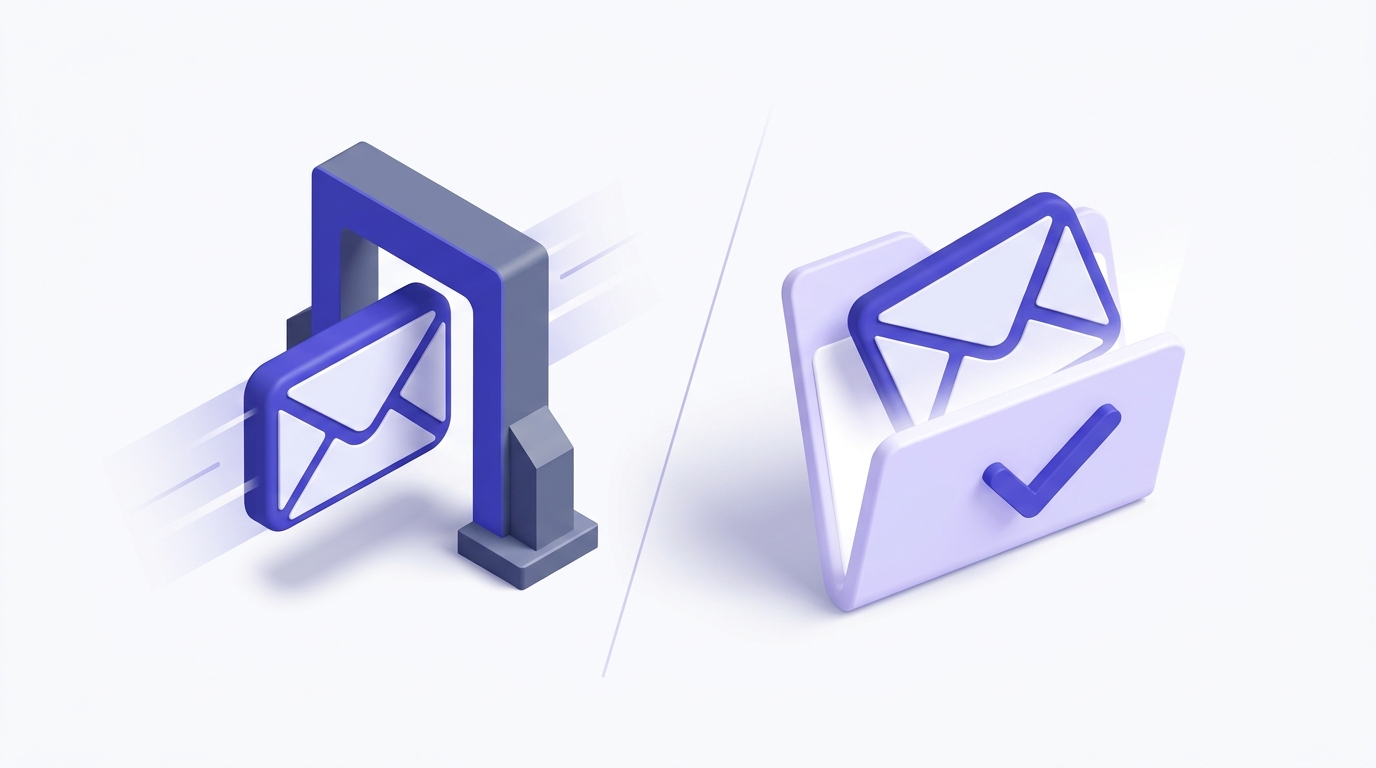
Here's a number that should bother you: your campaign report says 98% delivered, and you're treating that like a win. It isn't. "Delivered" only means a receiving server accepted the message. It says nothing about whether that message landed in the inbox or got quietly filed into spam where no human will ever see it.
By the end of this guide you'll be able to tell the difference between delivery and deliverability, read your own reputation signals the way Gmail and Outlook read them, and find the single upstream fix that most deliverability guides bury three sections deep.
That fix is list hygiene — and the reason it works comes down to one uncomfortable fact: your sender reputation starts degrading before your content, your subject line, or your send time ever gets a vote.
Email deliverability vs. email delivery: the distinction that actually matters
These two terms get used interchangeably, and that confusion costs senders real money. They are not the same thing, and the gap between them is exactly where inbox problems hide.
Email delivery measures whether the receiving mail server accepted your message. If the server didn't bounce it, it counts as delivered — regardless of which folder it ended up in. Inbox, Promotions, spam, a hidden quarantine: as far as a delivery metric is concerned, all of those are successes.
Email deliverability measures something much narrower and much more useful: did the message land in the primary inbox where the recipient actually looks? That's the metric that correlates with opens, clicks, replies, and revenue. Delivery is the receptionist accepting your letter. Deliverability is whether it reached the desk of the person you wrote to.
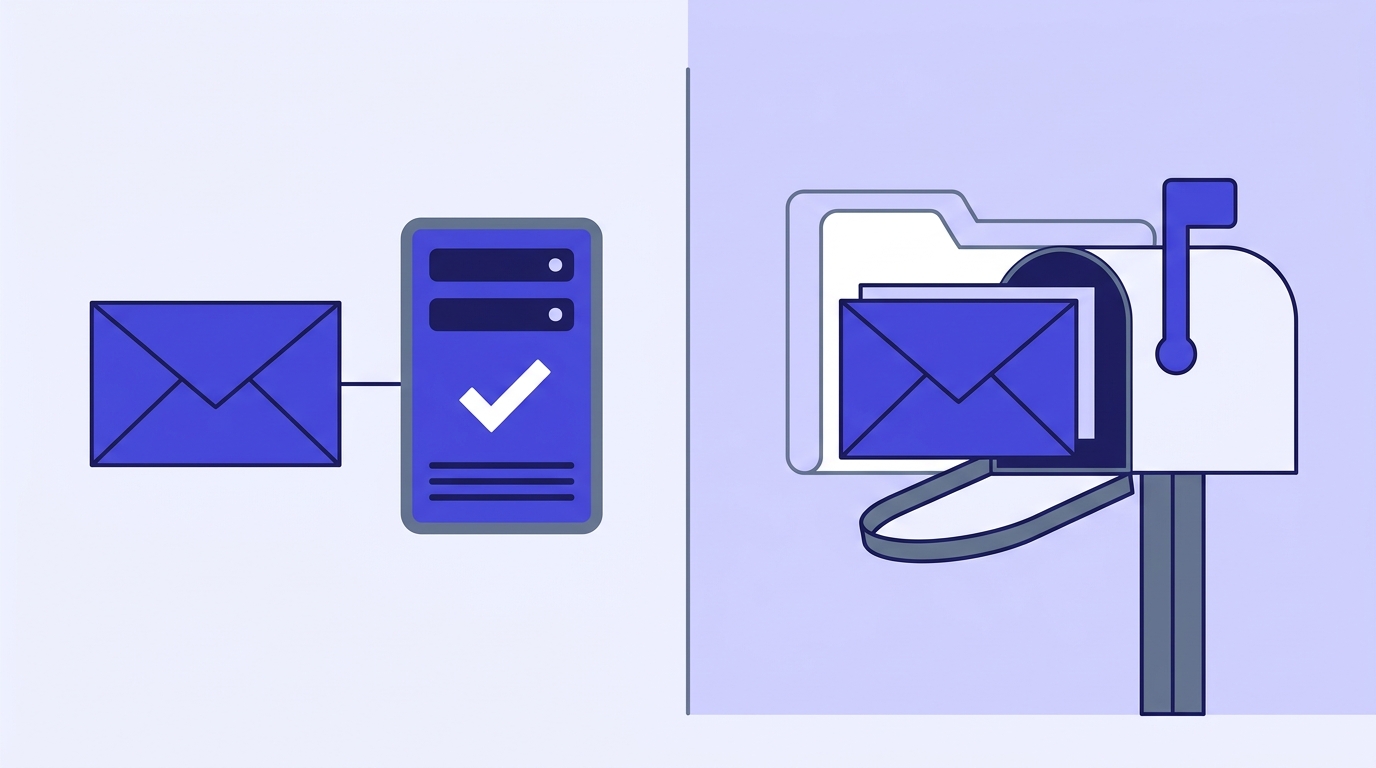
Why does conflating the two wreck your judgment? Because a 98% delivery rate feels healthy, so you stop investigating. Meanwhile, 30% of that "delivered" mail could be sitting in spam. Your delivery dashboard is green while your actual inbox placement is bleeding out. You'd never know, because the metric you're watching was never designed to tell you.
Here's a quick self-test. Pull your last campaign's open rate and compare it to your historical baseline. If delivery held steady but opens dropped sharply, you don't have a delivery problem — you have a deliverability problem. The mail is arriving; it's just arriving somewhere nobody reads. If you want to skip the guesswork, you can run a deliverability test against seed inboxes and read the folder placement directly.
The one-line version
Delivery answers "did it arrive?" Deliverability answers "did it arrive where it matters?" Optimize for the second one, because that's the one your revenue cares about.
How mailbox providers decide where your email lands
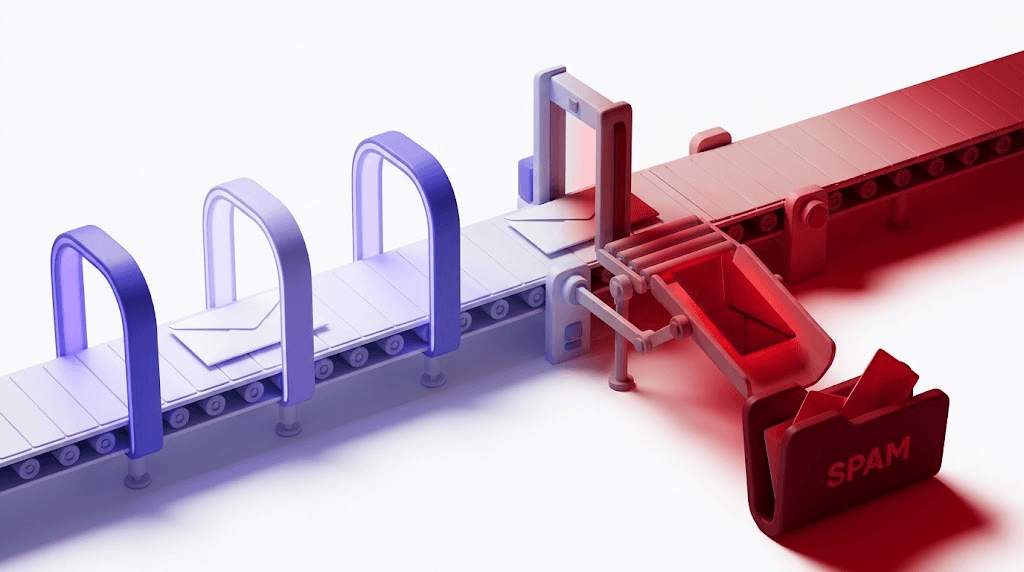
Every message you send runs a gauntlet before it reaches a person. Gmail, Outlook, and Yahoo each operate their own proprietary filtering stack, and none of them publish the exact recipe. But the inputs are well understood, because the providers tell senders what they care about — they just don't tell you the weights.
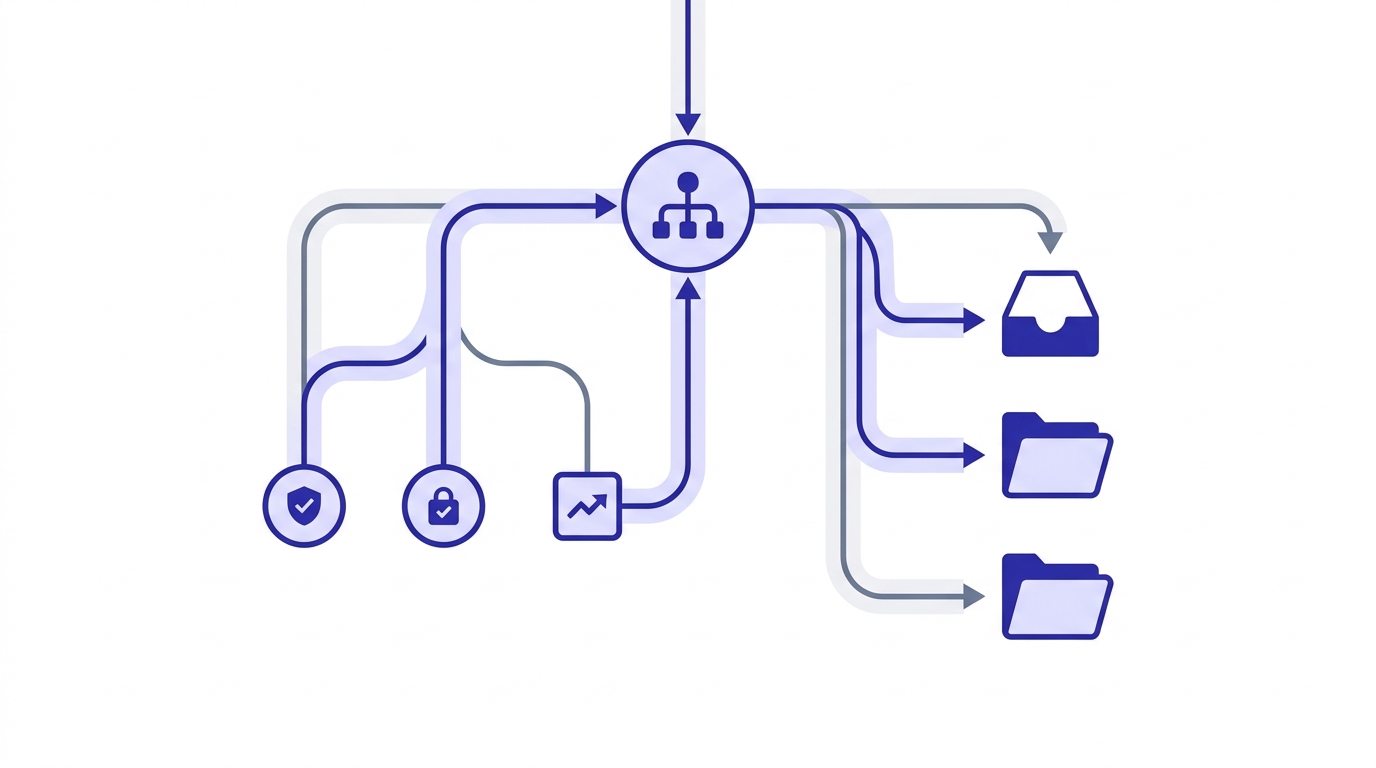
Three signals dominate the decision: sender reputation, authentication, and engagement history. Get all three right and you earn the inbox. Get one badly wrong and you're routed to spam regardless of how good the other two look.
Sender reputation is a rolling score the provider assigns to your sending domain and your sending IP. It's built from your history — how often recipients mark you as spam, how many of your messages bounce, how many land at dead addresses. A clean history earns trust. A messy one earns scrutiny.
Authentication is the admission ticket. SPF, DKIM, and DMARC are the records that let a receiver confirm you are who you claim to be. Skip them and modern providers don't just distrust you — for bulk senders, Gmail and Yahoo now flat-out require them, per Google's sender guidelines.
Engagement history is the feedback loop, and it's the one senders underestimate most. When recipients open, reply, and move your mail out of spam, the provider learns your mail is wanted. When they ignore it, delete it unread, or hit the spam button, the provider learns the opposite — and adjusts where it routes your next send.
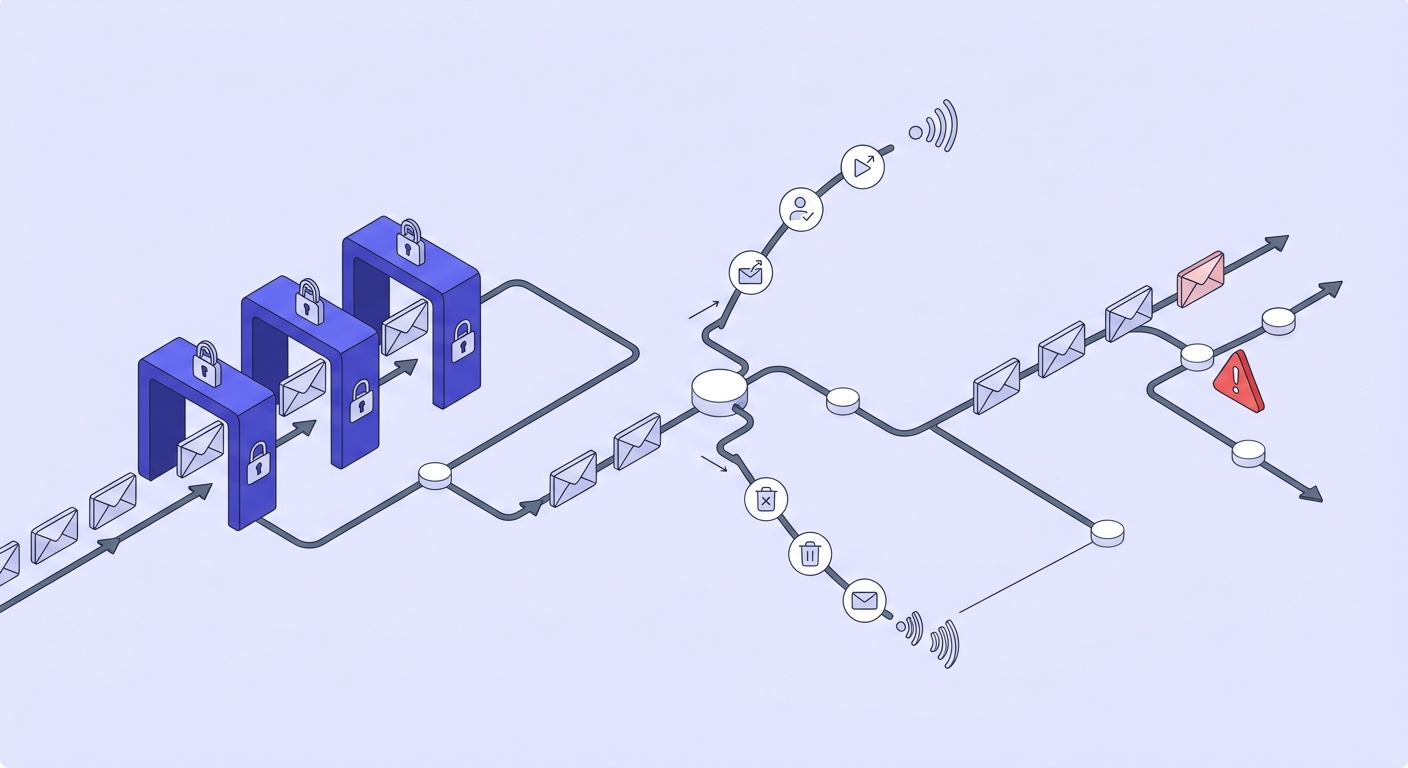
Here's where list hygiene enters the story earlier than most guides admit. Invalid and unknown addresses drag your reputation down before a single subscriber opens anything. Bounce a batch of dead addresses and the provider reads it as a signal you don't know who you're mailing — which is exactly what a spammer's list looks like. The damage is done at the reputation layer, upstream of content and timing.
One practical note on recovery: domain reputation and IP reputation are tracked separately, and they don't heal at the same speed. IP reputation recovers relatively quickly once you fix the underlying behavior — sometimes within weeks. Domain reputation is stickier, because it follows you no matter which IP you send from. That asymmetry is why switching IPs to dodge a reputation problem almost never works; the domain carries the scar.
The five factors that control your inbox placement rate
Inbox placement isn't magic and it isn't luck. Five factors account for nearly all of it. Fix these in order and most placement problems resolve on their own.
1. Authentication
SPF, DKIM, and DMARC are the baseline. Without them, you're an anonymous sender in an era where anonymity reads as risk. These aren't optional anymore for anyone mailing at volume. We'll cover the setup in detail later, but treat this as non-negotiable: you cannot reason about placement until authentication passes.
2. List hygiene
Not all bad addresses are equally bad. A hard bounce to an invalid address is one kind of damage. A hit on a spamtrap is a different, far worse kind — spamtraps exist specifically to catch senders who don't clean their lists. Role addresses (info@, support@) and disposable addresses carry their own smaller penalties. The damage is weighted, and the weights matter.
3. Sending volume and ramp
Providers watch your volume pattern. A domain that has never sent more than 500 emails a day suddenly blasting 50,000 looks like a compromised account. Sudden spikes trigger filtering. Steady, predictable volume builds trust. This is why warm-up exists — it's not superstition, it's matching your behavior to what a legitimate sender looks like.
4. Content signals
Subject-line patterns, image-to-text ratio, and link reputation all feed the filter. An email that's one giant image with a single shortened link looks like the template spammers use, because it is. You don't need to write boring email — you need to avoid the structural fingerprints that filters have been trained to distrust.
5. Engagement rate
This is the compounding one. Low open rates don't just hurt today's campaign — they teach the provider that your mail is unwanted, which lowers placement on the next send, which lowers opens further. Engagement is a flywheel that spins in whichever direction you push it. Mail engaged people and it spins up. Mail dead weight and it spins down.
Most senders blame the algorithm for low opens. The fix is almost always upstream: a verified list mailed to engaged people. The algorithm is just reporting back what your list quality already decided.
What a good email deliverability rate looks like — and what to do when yours isn't
Senders ask "what's a good deliverability rate?" and then get the wrong answer because they're measuring delivery, not deliverability. Let's set real benchmarks for the metric that matters.
Inbox placement above 85% is generally considered acceptable. Above 95% is strong. Below 80% means a meaningful chunk of your audience never sees you, and you should treat it as an active problem rather than background noise. These are placement numbers — the percentage of mail reaching the primary inbox — not the inflated delivery numbers your ESP shows by default.
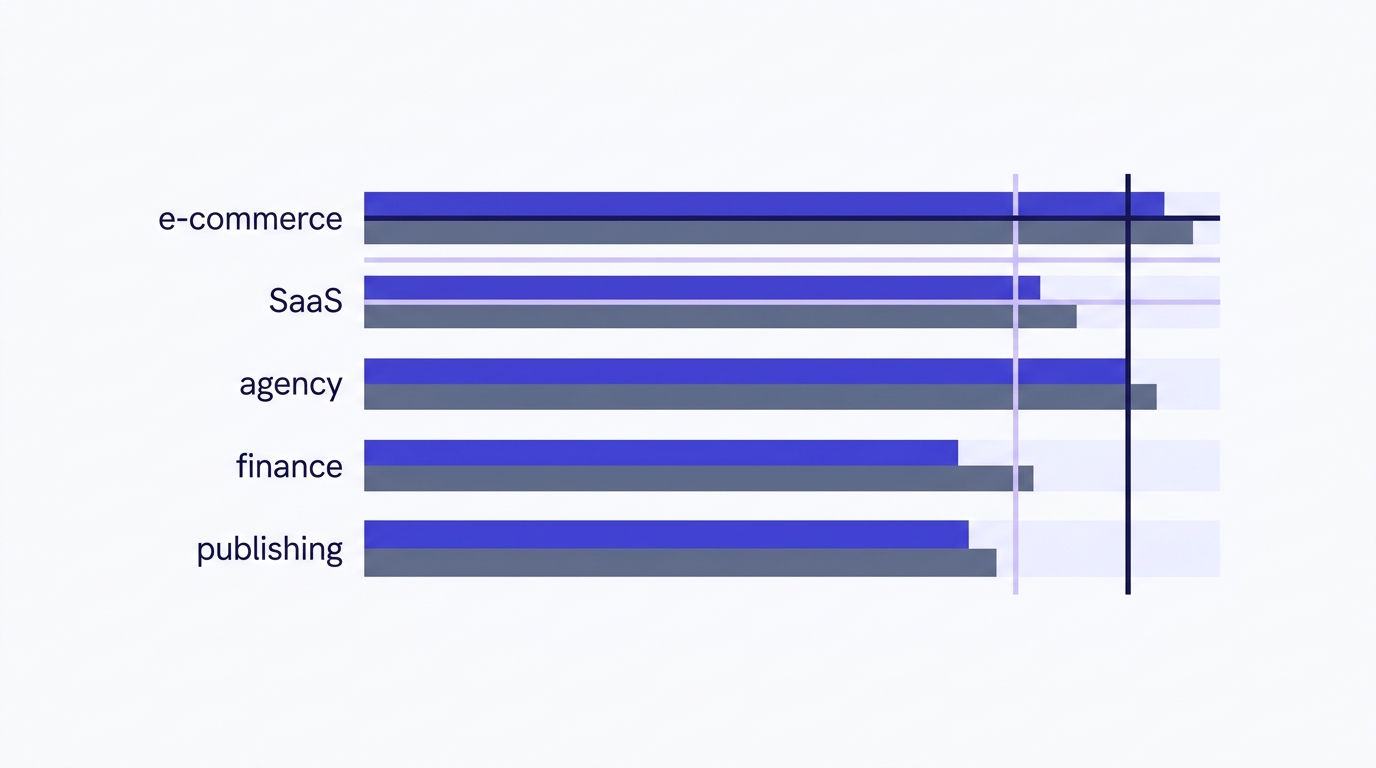
To diagnose your own rate, learn to read your ESP's bounce report — specifically the split between soft and hard bounces. A soft bounce is temporary: the mailbox is full, the server is busy, the message is too large. A hard bounce is permanent: the address doesn't exist, the domain doesn't resolve, the mailbox is closed. Soft bounces are noise. Hard bounces are the signal that your list contains addresses that should never have been mailed.
The widely-cited ceiling for hard bounce rate is 2%. Cross it consistently and providers start treating you as a careless sender. Many ESPs will warn you, throttle you, or suspend the account outright before you even hit that number, because your bounces are their reputation problem too.
Spam complaints are even more sensitive. Google Postmaster Tools flags a complaint rate above 0.10% as a risk signal, and Gmail's bulk-sender rules treat 0.30% as a hard line you must stay under. That's three complaints per thousand sends as the absolute ceiling — and one in a thousand as the level you actually want.
The compounding trap
Each bad send makes the next one harder to place. Bounces and complaints lower your reputation, lower reputation lowers placement, lower placement lowers engagement, and lower engagement lowers reputation again. By the time you notice, you're already several cycles into the spiral.
How to check your email deliverability right now
You can't fix what you can't see. Most senders fly blind because the free tools that show them the truth sit unused. Here's the sequence to run before you blame your content or your subject lines.
Run an inbox placement test
Send a campaign to a set of seed addresses across Gmail, Outlook, and Yahoo, then check which folder each one lands in. This is the only way to measure deliverability directly rather than inferring it from opens. A free email deliverability checker does this without a manual seed list.
Verify your authentication
Before you blame placement, confirm SPF, DKIM, and DMARC actually pass. Run your domain through an SPF record checker and a DMARC record checker. A broken or missing record is the most common silent cause of spam placement, and it takes two minutes to rule out.
Open Google Postmaster Tools and Microsoft SNDS
These are first-party reputation dashboards from the two providers that matter most — and they're free. Postmaster Tools shows your domain and IP reputation, spam rate, and authentication results straight from Gmail. SNDS does the equivalent for Outlook. Most senders have never logged in.
Check IP and domain blacklists
A single blacklist listing can tank placement across an entire mailbox provider. Run your sending IP and domain against the major lists so you know whether a listing — not your content — is the actual problem.
Verify your list as a pre-send audit
Catch invalid, disposable, role, and spamtrap addresses before they bounce. Pre-send list verification is the difference between protecting your reputation and learning about a problem from a bounce report after the damage is logged.
Free tool · no signup
See where your mail actually lands
Run a placement test across the major providers and read the inbox-vs-spam result instead of guessing from open rates.
Test an address before it costs you
Paste any email and watch the 11-stage verification run live — invalid, disposable, role, spamtrap, catch-all, and more.
Powered by Valid Email Checker — full SMTP handshake, disposable + role detection, no card required.
List hygiene: the deliverability lever most guides bury in footnotes
Open almost any deliverability guide and list hygiene shows up near the bottom, after a long chapter on authentication and an even longer one on subject lines. That ordering is backwards. List hygiene is upstream of everything else, because bad addresses cause bounces and complaints before your content or timing get a chance to matter.
Think about the sequence. You can write the perfect email, authenticate it flawlessly, and send it at the ideal time — and if 15% of the list is dead addresses, you still rack up bounces that damage your reputation on send number one. The cleanest content in the world can't undo a bounce rate. That's why hygiene comes first.
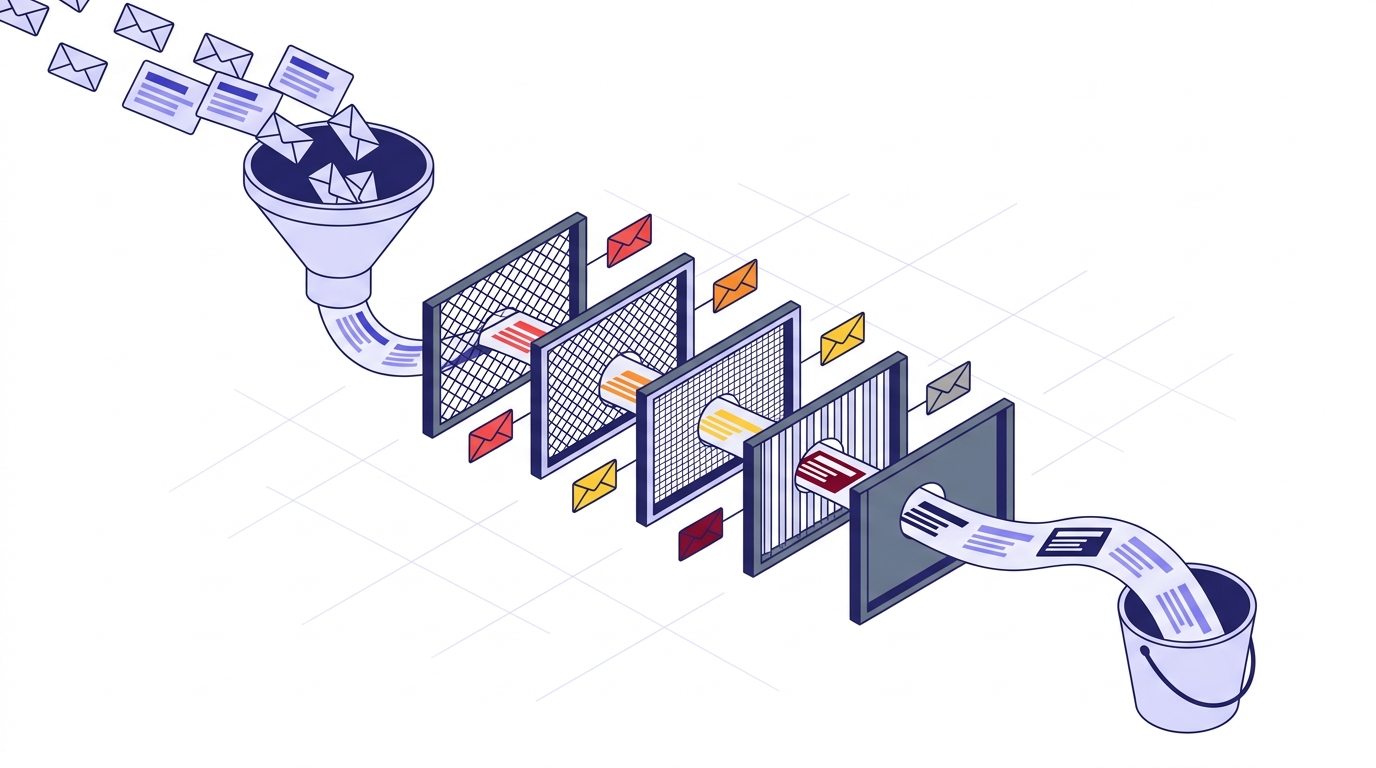
There are five address types that actively hurt deliverability, and they don't carry equal weight. A good verifier flags all of them so you can decide what to keep, suppress, or remove.
| Address type | What it is | Reputation damage |
|---|---|---|
| Invalid | Syntax, domain, or mailbox fails — will hard-bounce | Severe — direct hit to bounce rate |
| Spamtrap | An address that exists only to catch careless senders | Critical — can blacklist you outright |
| Disposable | Burner / 10-minute mail, abandoned within hours | High — bounces and zero engagement |
| Role-based | info@, support@, admin@ — shared, low-engagement inboxes | Moderate — drags engagement, raises complaints |
| Inbox-full | Real mailbox over quota — temporarily can't receive | Low — soft bounce, retry later |
Catch-all domains deserve special handling. A catch-all domain accepts mail for every possible address, which means a verifier can confirm the domain accepts mail but can't confirm the specific mailbox exists. Treat catch-all addresses as their own risk tier — not as confirmed-valid, and not as invalid. Our complete guide to catch-all emails walks through exactly how to handle them.
How often should you re-verify? B2B email addresses decay at roughly 22% per year as people change jobs, companies rebrand, and domains get retired. That means a list you cleaned twelve months ago is now a fifth garbage. Monthly re-verification for active lists is the standard most careful senders settle on — more on building that into a routine later.
Now the part most verifiers won't tell you. Sometimes verification can't return a definitive answer — both checks come back inconclusive, and the address is mapped as Unknown. Most verifiers charge you for that result anyway. We don't. When a verification returns Unknown, we automatically refund the credit — no support ticket, no fine print. That removes the only real excuse for skipping pre-send verification: you never pay for an answer you didn't get. The free email verifier breakdown covers exactly how that works.
Why Unknown matters
An Unknown result that you paid for costs you twice — once for the credit, once for the bounce when you mail it anyway. Auto-refunding Unknowns means the math always favors verifying first.
Free tool · no signup
Clean the list before you send
Run your list through the 11-stage engine. Unknown results are refunded automatically — you only pay for answers you can act on.
Authentication setup: SPF, DKIM, and DMARC without the jargon
Authentication intimidates people because the acronyms sound technical. They're not, once you strip them down. Three records, three jobs, all stored in your DNS.
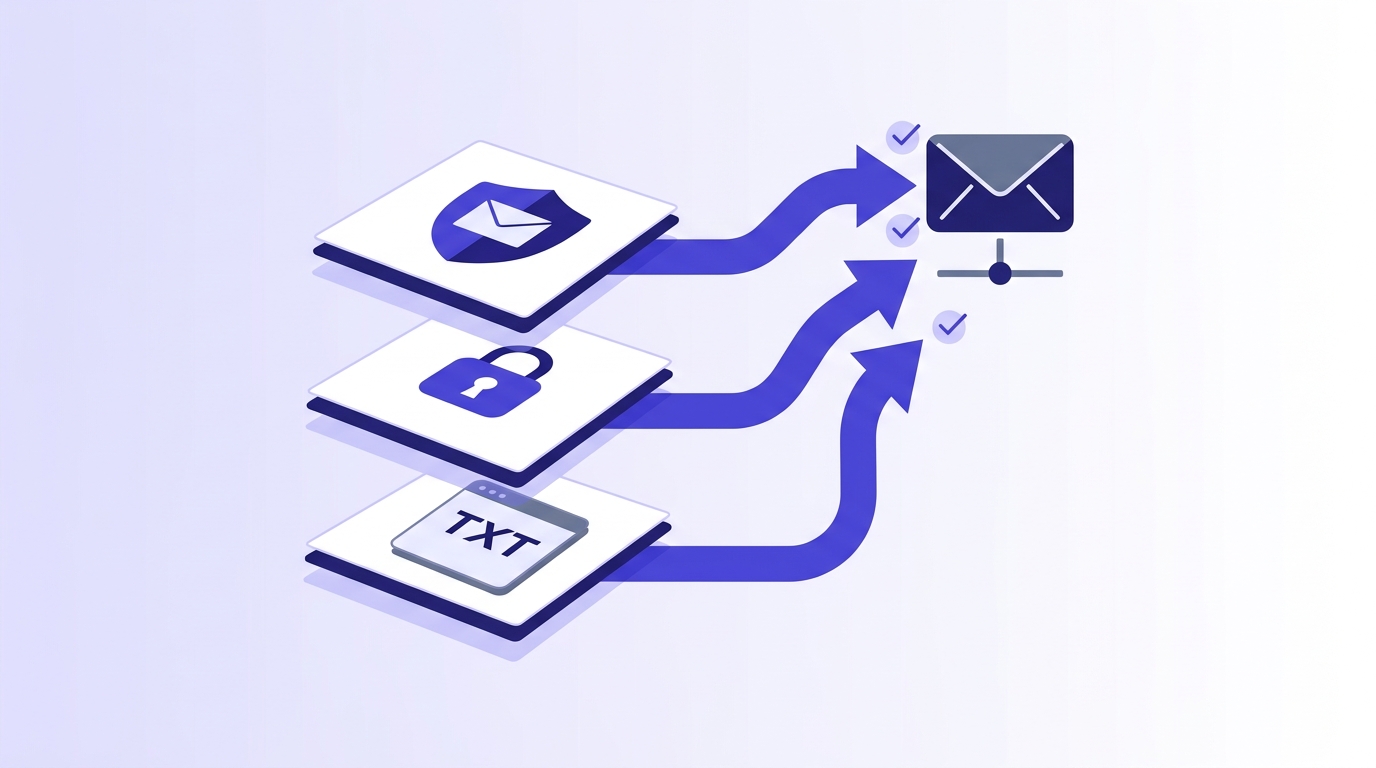
SPF in one sentence: a DNS TXT record that tells receiving servers which IP addresses are allowed to send mail for your domain. Defined in RFC 7208, it's the receiver's way of checking that the server delivering your mail is on your approved list.
DKIM in one sentence: a cryptographic signature, defined in RFC 6376, that proves the message wasn't altered between the time you sent it and the time it arrived. Your server signs with a private key; the receiver verifies with a public key published in your DNS.
DMARC in one sentence: a policy record that tells receivers what to do when SPF or DKIM fail — do nothing, quarantine, or reject. It ties the other two together and gives you reporting on who's sending mail in your name. The standard is RFC 7489, and DMARC.org's overview is the friendliest plain-English primer.
Now the trap that silently breaks SPF for growing senders: the 10-lookup limit. SPF allows a maximum of ten DNS lookups when evaluating your record. Every ESP you add via an include: statement consumes some of that budget. Run mail through your CRM, your transactional provider, and two marketing platforms, and you can blow past ten lookups without realizing it — at which point SPF returns a permerror and silently stops authenticating. Our guide to the SPF lookup limit shows how to flatten records and stay under the cap.
Check before you blame placement
Run your domain through an SPF and DMARC checker before assuming your content is the problem. A permerror from too many lookups looks exactly like a content problem from the outside — and it's a far faster fix.
DMARC also sends you reports — aggregate XML files summarizing who sent mail using your domain and whether it passed authentication. Raw XML is unreadable by design, but you don't need a paid platform to start. A free DMARC report analyzer parses the files into something human, and the what-is-SPF help article covers the fundamentals if you're starting from zero.
One important caveat: authentication proves who you are, not that your list is good. A perfectly authenticated message to a list full of spamtraps still lands you in trouble. Authentication is necessary and not sufficient — which loops right back to why hygiene comes first.
Best practices that move the needle — and ones that don't
Deliverability advice is a graveyard of cargo-cult rituals. Some practices genuinely improve placement. Others are folklore. Here's the honest split.
What works
Confirmed opt-in beats single opt-in. When subscribers confirm their address, you start with a list of people who actually want your mail and addresses that actually exist. The engagement difference shows up in inbox placement within 30 days, because providers reward the higher open rates that confirmed lists produce.
Segment by engagement tier. Mailing your unengaged contacts at the same cadence as your active ones is a slow reputation drain. The dead weight pulls down your aggregate open rate, which is exactly the signal providers watch. Mail your engaged segment often, your dormant segment rarely, and consider a sunset policy for contacts who haven't opened in six months.
Make unsubscribing trivial. The one-click list-unsubscribe header is now required by Gmail and Yahoo for bulk senders, per Google's published sender rules. Counterintuitively, an easy unsubscribe protects you: a recipient who unsubscribes is a recipient who didn't hit the spam button instead — and a spam complaint costs you far more than a lost subscriber.
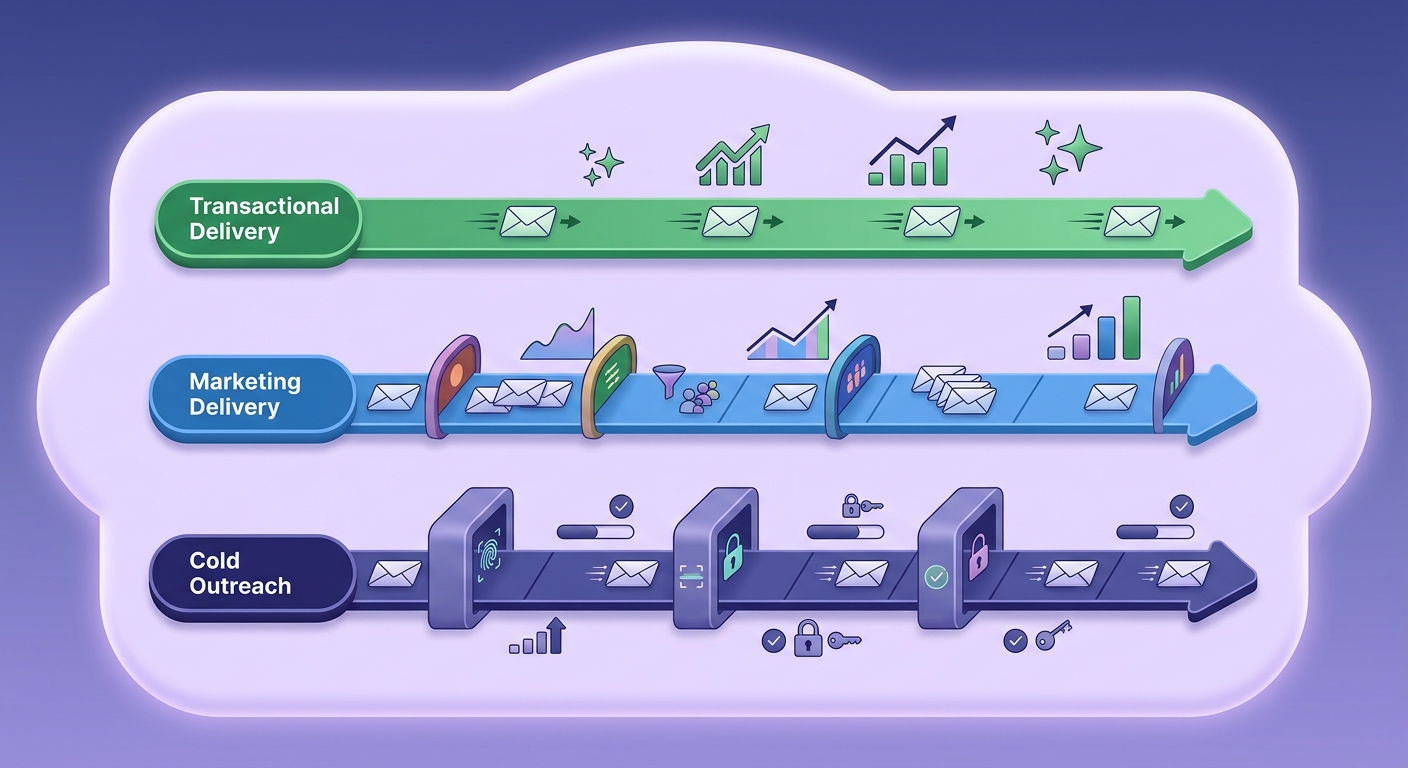
Ramp volume to match your sender type. A six-week warm-up is correct for marketing senders building a new domain or IP. But it's wrong advice for transactional senders, who should ramp in days, not weeks — their mail is triggered by user actions, expected by the recipient, and engaged with immediately. Applying marketing warm-up timelines to transactional mail just delays mail people are waiting for. Match the ramp to the use case.
What doesn't work
Switching sending IPs to escape a reputation problem. This is the most common doomed move in deliverability. The logic seems sound — bad reputation on this IP, so move to a clean one — but it ignores that domain reputation follows you across IPs. You'll burn the new IP within a few sends if the underlying problem (a dirty list, a complaint spike) is still there. You're not escaping the problem; you're spreading it.
Buying lists. Purchased lists are full of invalid addresses, spamtraps, and people who never asked to hear from you. They're the fastest way to a blacklist. No amount of authentication or content polish rescues a list that was poisoned before you ever loaded it.
Obsessing over spam-word lists. The idea that words like "free" or "guarantee" automatically trigger spam filters is largely outdated. Modern filters weigh reputation and engagement far more heavily than keyword bingo. Write clearly, avoid the structural patterns of spam (all-image emails, deceptive subject lines), and stop agonizing over individual words.
Deliverability by sender type: transactional, marketing, and cold outreach
Blanket deliverability advice fails because the three major sending types live by different rules. What protects a transactional sender can sink a cold outreach sender, and vice versa.
Transactional senders — password resets, receipts, shipping notices — have the easiest deliverability job, because their mail is expected, opened immediately, and rarely marked as spam. Their main risk is mixing transactional and marketing mail on the same domain, which lets marketing complaints poison transactional placement. The fix is a dedicated subdomain for each stream so reputations stay separate.
Marketing senders live and die on engagement and list hygiene. Their lists are large, decay constantly, and contain the most dead weight. A six-week warm-up, aggressive segmentation, and monthly re-verification are the baseline. They have the most to gain from the hygiene-first approach because they have the most addresses going stale.
Cold outreach senders face the harshest math. They're mailing people who never opted in, so any bounce or complaint hits a reputation that has no engagement cushion to absorb it. A bounce rate above 2% and the IP starts cooking. For this group, pre-send verification isn't optional hygiene — it's survival. The cold email list verification guide covers the technical foundation, and the reason list quality beats subject lines is that a verified list is what keeps you out of the spam folder in the first place.
Why your emails go to spam even when they're being delivered
This is the question that brings most people to a deliverability guide in the first place: the report says delivered, the inbox says nothing. Here are the usual culprits, in the order worth checking.
Authentication is failing silently. A broken SPF record, an unsigned DKIM, or a DMARC policy the receiver can't reconcile will route you to spam without any error you'd notice. This is why authentication is the first thing to verify — it's the most common cause and the fastest to rule out.
Your reputation is already damaged. If you've been mailing a dirty list, the spam placement is the symptom and the reputation is the disease. Check Postmaster Tools for your domain reputation. "Bad" or "Low" reputation means the providers have decided your mail belongs in spam, and no single campaign tweak reverses that — only sustained good behavior does.
Your engagement rate is too low. If recipients don't open, the provider concludes your mail is unwanted and acts accordingly. This is the trap of mailing dormant contacts: every silent send teaches the filter to bury you deeper. Suppress the dead weight and your engaged segment's placement often recovers on its own.
You're on a blacklist. A single listing on a major blacklist can route you to spam across an entire provider. Check your IP and domain, and if you're listed, follow the delisting process — but only after you've fixed the behavior that got you listed, because re-listing is instant if the problem persists.
Your content trips structural filters. Less common than people think, but real: an email that's a single large image, a link to a domain with poor reputation, or a deceptive subject line can earn a spam routing on content alone. If reputation and authentication are clean, this is where to look next.
Building a deliverability monitoring stack
Deliverability isn't a project you finish — it's a vital sign you monitor. The good news is that a solid monitoring stack costs nothing to start. The bad news is that almost nobody sets it up until after a problem forces them to.
Three free tools belong in every sender's stack. Google Postmaster Tools shows your Gmail reputation, spam rate, and authentication results straight from the source. Microsoft SNDS does the equivalent for Outlook and Hotmail. And a DMARC report analyzer turns the XML reports your domain receives into a readable picture of who's sending in your name. Running all three gives you eyes on the two providers that matter most plus a view of your authentication health.
When do you graduate to a paid inbox placement tool? When your volume is high enough that a placement problem costs more than the tool. A good paid tool tests placement across dozens of providers with real seed accounts and shows you folder-level results you can't get from open rates alone. Until you're at that scale, the free seed-based test in an email deliverability checker covers the major providers.
Set a bounce-rate alert before your ESP suspends you, not after. Most platforms let you configure a threshold notification. Set it well below the 2% danger line — at 1%, say — so you get a warning while you still have room to react. An ESP suspension is far more disruptive than an early alert.
Put monthly list re-verification on the calendar as a recurring event, not a one-time cleanup. Given the 22%-per-year decay rate, a list you don't re-verify is quietly rotting. If your list lives in an ESP we connect to — Mailchimp, Klaviyo, HubSpot, or ActiveCampaign, among others — a one-click integration lets the list go in dirty and come back verified in the same audience, which makes monthly cleaning a five-minute task instead of a CSV export ordeal.
Finally, learn the signal that tells you a problem is getting worse rather than better: a rising complaint rate combined with a falling open rate, over consecutive sends. Either one alone is noise. Both moving the wrong way together is the early signature of a reputation spiral — and the moment to pause sending and audit your list, not to push harder. If you'd rather not run this in-house at all, our take on when to hire a deliverability consultant covers the threshold where outside help pays off.
The monitoring habit
Check Postmaster Tools weekly, re-verify your list monthly, and set a bounce alert at 1%. Three habits, all free, that catch nearly every deliverability problem while it's still cheap to fix.
Putting it together: the deliverability-first sending routine
Here's the whole guide compressed into a routine you can actually run. The order matters, because each step protects the one after it.
- Authenticate first. Confirm SPF, DKIM, and DMARC pass before anything else — it's the cheapest, fastest fix and the most common silent failure.
- Verify the list before every meaningful send. Catch invalid, disposable, role, and spamtrap addresses before they bounce. Unknown results are refunded, so the cost is only the answers you can use.
- Segment by engagement. Mail active contacts often, dormant ones rarely, and sunset the truly dead.
- Match your ramp to your sender type. Days for transactional, weeks for marketing, careful verification for cold.
- Monitor continuously. Postmaster Tools weekly, list re-verification monthly, bounce alert at 1%.
- When something moves the wrong way, fix the list — not the IP. Switching IPs spreads the problem; cleaning the list solves it.
None of these steps is exotic. What separates senders who sit in the inbox from senders who fight spam every month isn't a secret tactic — it's running this routine consistently while everyone else treats deliverability as something to panic about only after it breaks.
Frequently asked questions
What is the difference between email deliverability and email delivery?
What is a good email deliverability rate?
Why are my emails going to spam even though they're being delivered?
How do SPF, DKIM, and DMARC affect inbox placement?
How often should I clean my email list to protect deliverability?
What bounce rate will damage my sender reputation?
What happens to deliverability when a verifier returns an Unknown result?
Inbox placement is the metric that pays, and bounce rate is the metric that warns you it's slipping. Almost every placement problem traces back upstream to list quality, which is the one lever most guides bury and the one you can fix today. The fastest way to find out where your list actually stands is to run a sample through verification and read the failure mix — and since Unknown results are refunded automatically, the only thing it costs you is the time to look.
Try Valid Email Checker free
Verify any email in under a second
Get 150 free verifications. No credit card. Auto-refund on every Unknown result — the only verifier we know that does this.
- 150 free credits when you sign up
- Auto-refund every Unknown verification (we're the only ones that do)
- 11-stage flow catches what 1-step checkers miss
- Drop-in integrations for Mailchimp, HubSpot, SendGrid, 14 more
Written by
Priya IyerPriya writes about the human side of email — how you word it, when you send it, and how to grow a list without wrecking your deliverability. From sign-offs and subject lines to lifecycle automation and list hygiene, she's after email that respects the reader's inbox and still gets results. Her north star: more opens and replies, fewer unsubscribes and spam complaints.