How to End a Professional Email (Without Hurting
 Emmanuel KwartengJuly 28, 2026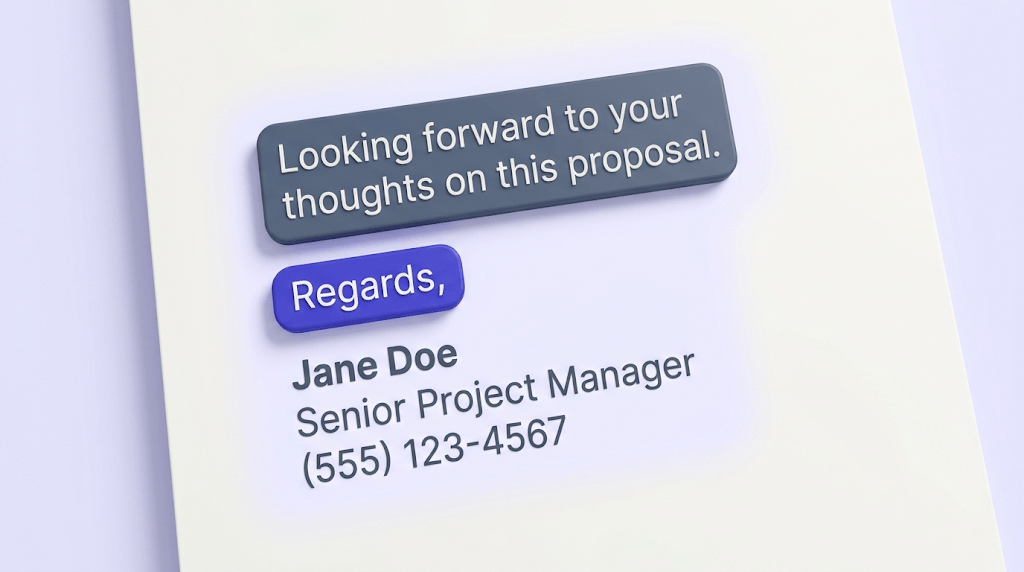
You already know how to end a professional email — or you think you do. Most people have been typing the same sign-off for years without questioning whether it's working. But the closing is the last thing a recipient reads before they decide to reply, ignore, or forward your email, and a weak ending quietly undercuts everything you wrote above it.
By the end of this guide, you'll know exactly how to end a professional email in any situation — from cold outreach to formal complaints to internal project updates. You'll be able to match tone to context, pick a sign-off that doesn't backfire, and write a signature that doesn't get your message flagged before it even arrives.
The part most guides skip entirely: the last three lines of your email can hurt your deliverability just as much as your writing. We'll cover that too.
Why the last three lines of your email matter more than the first
Primacy gets all the credit. Everyone talks about subject lines and opening hooks. The closing gets treated as an afterthought — a formality you stamp on before hitting send.
That's a mistake. The closing is the last impression. It's what shapes whether the recipient feels compelled to act, obligated to reply, or comfortable ignoring you. A strong email body with a passive, vague, or tonally mismatched ending leaves the reader without a clear next step. They don't reply. Not because they didn't read it — because you didn't make it obvious what you wanted.
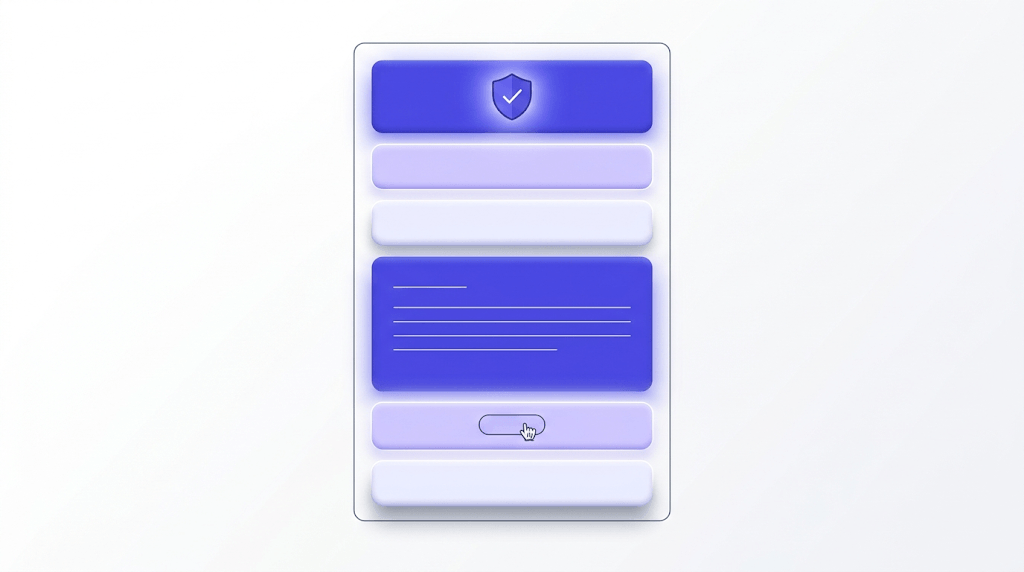
Most guides conflate the three distinct components that make up a professional email ending. Here's how they actually break down:
- Closing statement — the final sentence of the email body. It restates purpose and specifies what happens next.
- Sign-off — the valediction. "Best," "Regards," "Thanks" — the word or phrase before your name.
- Signature block — your name, title, company, contact info, and any links.
These are three separate decisions. Most people treat them as one. The rest of this post treats them individually — because each one can fail independently.
The closing statement: end with an action, not a sentiment
The closing statement is the sentence immediately before your sign-off. Its job is to remove ambiguity about what you want the recipient to do next.
Here's the single most common failure mode: "I look forward to hearing from you." That sentence puts all the work on the recipient. It doesn't name a deadline, a decision, or a next step. It's a sentiment dressed up as a call to action.
Compare it to: "Does Thursday at 2 PM work for a 20-minute call?" That sentence does three things — it proposes a specific time, limits the time commitment, and asks a yes/no question the recipient can answer in five seconds. Response rates go up when the ask is concrete.
The principle holds across every scenario:
- Follow-up request: "Could you let me know your thoughts by Friday? Happy to jump on a quick call if it's easier."
- Meeting scheduling: "I have availability Tuesday 10–11 AM or Wednesday 3–4 PM — either works on my end."
- Document review: "The attached brief needs your sign-off before we brief the team on Monday."
- Awaiting a decision: "Once you've had a chance to review, a thumbs-up or a note with edits is all I need to move forward."
When no action is needed — a thank-you email, a confirmation, an FYI — a brief acknowledgment still beats a cold stop. "No reply needed — just wanted you to have the update" tells the recipient they're done. That's a gift.
One sentence, one ask
If your closing statement contains more than one request, the recipient will act on neither. Pick the most important next step and name only that.
Sign-offs: which ones work, which ones backfire, and why 'Best' became everyone's default
"Best" dominates professional email for one reason: it's inoffensive. It reads as warm without being familiar, professional without being stiff. That's also why it's now essentially invisible — when everyone uses the same word, it carries no signal at all.
That's fine in most contexts. The problem is when people apply "Best" to every email regardless of relationship, stakes, or industry. The sign-off should match the tone of the email above it. Here's the formality spectrum:
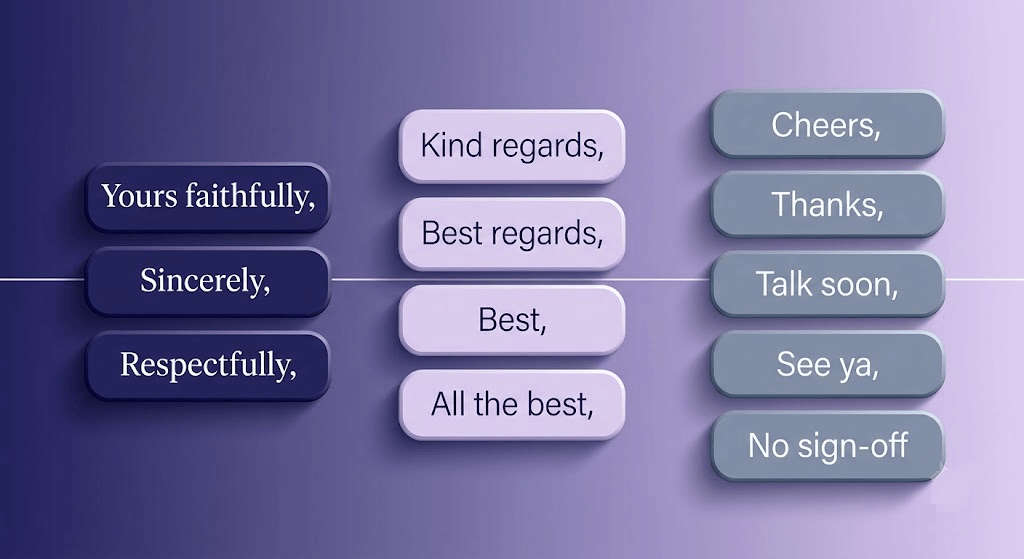
Here's where specific sign-offs fail — and why:
- Warmly — reads as overfamiliar to anyone you haven't met. Fine for a longtime client. Odd for a cold email.
- Cheers — works in UK and Australian business culture, consistently misreads as too casual in US contexts. Know your audience's geography.
- Sent from my iPhone — not a sign-off. An auto-generated footer that signals you didn't bother to edit it out.
- Thx or Rgds — abbreviations read as dismissive. You found three fewer keystrokes; they notice.
- Thanks in advance — presumes compliance. Fine if you're a senior to a direct report; problematic when you're asking a favor of a peer or a stranger.
- Take care — warm in a personal context, slightly odd in a business context with someone you've met once.
Situational guide for choosing a sign-off:
| Situation | Recommended sign-off | Why |
|---|---|---|
| Job application | Sincerely / Best regards | Formal contexts expect formal closings — the hiring manager sets the tone |
| Cold outreach | Best / Thanks | Neutral and professional without implying a relationship that doesn't exist yet |
| Client follow-up | Best / Kind regards | Maintains professional warmth with an ongoing relationship |
| Internal team email | Thanks / [nothing] | Colleagues don't need ceremony — efficiency reads as respect |
| Formal complaint or escalation | Yours sincerely / Regards | Formality signals seriousness without aggression |
| Interview thank-you | Best regards / Sincerely | Slightly formal — you're still in evaluation mode |
One underrated move: rotate intentionally. If every email you send ends with "Best," you're leaving signal value on the table. A well-placed "Thanks so much" in a genuinely appreciative context lands differently than if you'd used it fifty times that week.
What to put in your email signature (and what to leave out)
A professional email signature has four required elements: your full name, your title, your company, and a direct phone number. Everything else is optional — and the more optional elements you add, the more you dilute the ones that matter.
Optional but genuinely useful additions:
- LinkedIn URL — useful when you're contacting someone who doesn't know you
- Portfolio or website link — relevant for creative, consulting, or technical roles where work samples are part of the pitch
What to leave out:
- Inspirational quotes — they read as filler and occasionally land badly depending on the recipient's mood
- Animated GIFs or banner images — add load time, render inconsistently across email clients, and often trigger spam filters
- Every social platform you've ever joined — link one or two that are relevant to your professional context, not all six
- Six-line legal disclaimers — most are legally unenforceable and they push your actual contact information off the screen
A useful heuristic: the less the recipient knows you, the more detail your signature needs. When you're emailing your direct manager for the third time today, they don't need your title and phone number again. When you're cold-emailing a VP at a company you've never worked with, they need everything.
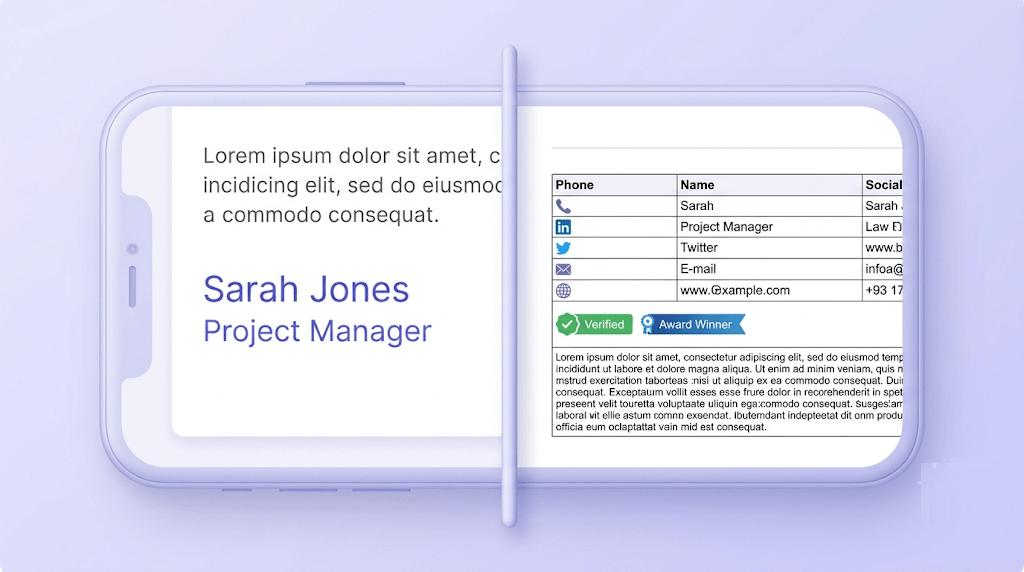
Mobile rendering matters too. Long signatures with multiple images or tables often collapse or break on small screens. Test your signature in a mobile email client before you commit to it. A signature that looks polished on your desktop and unreadable on an iPhone is worse than a plain-text signature.
Matching tone to context: the decision framework
The most common mistake isn't using the wrong sign-off. It's using the same sign-off for everyone. A recruiter, a client, and your direct manager are not the same audience. Treating them identically signals that you haven't thought about who you're talking to.
Four variables determine the right tone for your email closing:
- Relationship — stranger, acquaintance, or established working relationship? The closer the relationship, the less formality is required.
- Stakes — routine update or high-stakes ask? Higher stakes warrant more care in both the closing statement and the sign-off.
- Industry — a law firm and a 12-person SaaS startup have different norms. When in doubt, match the register of your industry's communication culture.
- Medium — a cold email thread and an existing reply thread are different contexts. The first email in a conversation earns a fuller signature; the fifth email in the same thread doesn't need one at all.
Here's a tactic worth using: before you reply to someone, read their email for tone cues. Did they use a sign-off? Which one? Did they write in short paragraphs or long ones? Did they use contractions? Mirror the register of the person you're replying to — it signals that you're paying attention.
One counterintuitive note: going more formal than the situation calls for can signal distrust rather than respect. If a client has been signing off as "Cheers, Dan" for six months and you reply with "Yours sincerely," you've introduced friction. Formality is a tool, not a default setting.
How to end a professional email: 10 situation-specific examples
This is the practical half. Each example below includes a full closing block — closing statement, sign-off, and a note on the signature approach.
Job application follow-up
"I wanted to follow up on my application for the [Role] position — I'm genuinely excited about the team's work on [specific project]. If it would be helpful, I'm happy to send additional materials or schedule a brief call at your convenience." Best regards, [Full Name] Signature: full name, LinkedIn, phone. No title yet — you don't have the job.
Cold sales or partnership outreach
"I'll keep this short — would a 15-minute call next week make sense to see if there's a fit? I have Tuesday and Thursday afternoons open." Best, [First Name] Signature: full name, title, company, phone, website. The recipient knows nothing about you — give them everything they need to verify you're real.
Meeting request to someone you've never met
"If the timing works, I'd welcome 20 minutes on your calendar — I can work around your schedule. A calendar link is below if that's easier." Thanks, [First Name] Signature: full name, title, company, Calendly or calendar link if you use one.
Following up on an unanswered email
"Bumping this up in case it got buried. Happy to answer any questions if that's what's holding things up — otherwise a quick yes or no on the proposal is all I need to move forward." Best, [First Name] See also: how to send a follow-up email that gets replies — the framing above that follow-up matters as much as the closing.
Sending a document for review
"The attached draft covers sections 1–3. I'd appreciate your thoughts on the pricing assumptions in section 2 specifically — that's where I'd value your input most. If you can return edits by Thursday, I can have the final version ready by EOD Friday." Thanks, [First Name]
Formal complaint or escalation
"I'd appreciate a written response confirming how this will be resolved and the expected timeline. Please treat this as a formal request." Yours sincerely, [Full Name] Signature: full name, title, full contact details. Formal complaints need a paper trail — make it easy to reach you.
Internal project update to your team
"No action needed from anyone today — I'll send the updated timeline by EOD Monday once the client signs off." — [First Name] No formal sign-off. No signature. Your team knows who you are.
Thank-you email after an interview
"I appreciated the chance to learn more about the role and the team's approach to [specific topic discussed]. I'm excited about the direction and look forward to next steps." Best regards, [Full Name] Signature: full name, phone, LinkedIn.
Declining a request politely
"I'm not able to take this on right now, but I wanted to reply quickly rather than leave you waiting. [Name at company] may be worth reaching out to — they've worked in this space and might be a better fit." Best, [First Name]
Checking in after a long silence
"It's been a while — I hope things are going well on your end. I'm reaching out because [specific reason, not just 'touching base']. Would love to reconnect if the timing works." Best, [First Name] Don't say "just checking in" or "touching base" — name the actual reason. The vagueness reads as low-effort.
The email signature and deliverability angle: what most guides skip
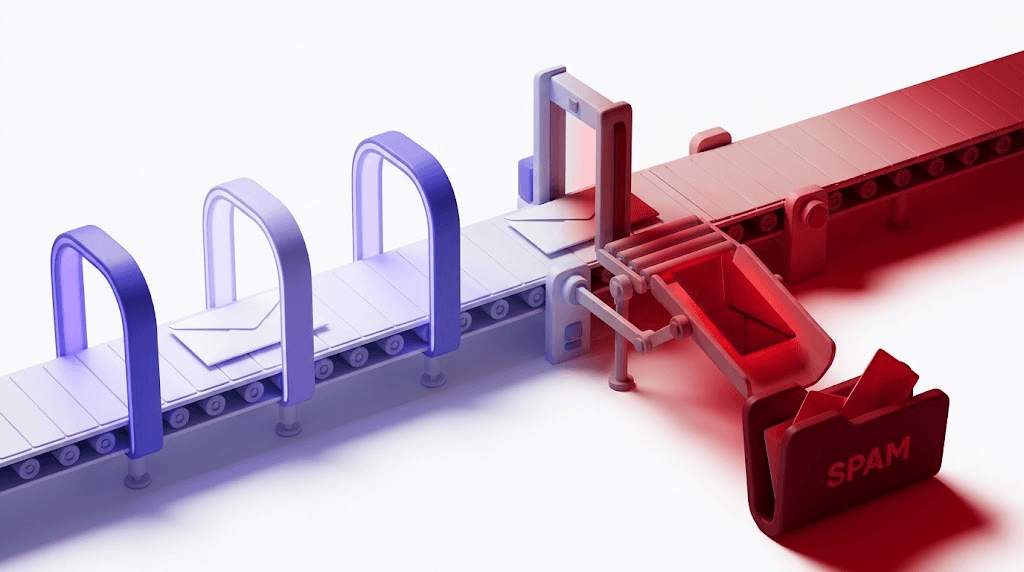
Here's what no other guide on how to end a professional email will tell you: a poorly constructed signature can prevent your email from arriving at all.
Spam filters score every element of an outbound message — not just the body copy. A signature with four tracked links, a large embedded image, and an HTML table layout adds weight that inbox providers flag. Gmail, Outlook, and Yahoo's filtering systems all score message complexity as a signal. An email that reads beautifully on your screen might be sitting in a junk folder because the HTML in your signature pushed the spam score over a threshold.
Three specific signature patterns that hurt deliverability:
- Multiple tracked links — each redirect through a tracking domain is a signal. Three tracked links in a signature from a cold outreach domain is enough to trigger some filters.
- Embedded images — a company logo pulled from a remote URL adds an external request and increases message size. Plain text or inline SVG is safer for deliverability.
- HTML-heavy table layouts — complex CSS and table structures inflate message size. Some ESPs count message size against deliverability scores, particularly for cold outreach.
This connects to a broader problem: even if you write a perfect email with a clean signature, it can still fail to arrive if your sending domain has a broken SPF record, no DKIM signature, or a DMARC policy you've never reviewed. The [PILLAR] post on how email authentication actually works together covers this in full — but the short version is that inbox providers use SPF, DKIM, and DMARC to decide whether to trust your domain before they even read your email.
You can check your domain's SPF configuration in under a minute. If it's broken, it doesn't matter how well you've crafted your closing statement — the email may never reach the recipient.
For a fuller picture of whether your emails are landing in inbox or spam, run a deliverability check before your next send. It tests your authentication setup, your sending IP reputation, and your message structure in one pass. And if you want to see exactly what inbox providers see when your message arrives, analyze your email headers — it shows the full authentication chain and any flags the receiving server raised.
Signature links and URL blacklists
If any domain in your signature links (including your company website) appears on a URL blacklist, inbox providers will flag your message regardless of content quality. Check the URL blacklist guide to understand how this happens and how to clear it.
Free tool · no signup
Score your email before you send it
Test whether your signature, authentication setup, and message structure pass inbox filters — takes 60 seconds.
Common closing mistakes and how to fix them
Most email closings fail in one of five ways. All of them are fixable.
- No closing at all. Ending the body and jumping straight to your name reads as abrupt. In some contexts — a terse reply to a difficult email — it reads as passive-aggressive. Even a one-sentence acknowledgment closes the loop.
- Double sign-offs. "Thanks! Best, [Name]" — pick one. Two sign-offs in a row look like you couldn't decide and didn't bother to edit. They also dilute both.
- Closing with an apology. "Sorry for the long email" is the most common one. It undermines everything above it. If the email was too long, edit it. If it wasn't, don't apologize for it.
- Mismatched tone. A warm, conversational email body followed by "Yours sincerely" creates a jarring gear shift. The closing should feel like it belongs to the same email. Read both together before sending.
- No call to action. The most common failure: writing a complete, well-reasoned email and ending with a sentiment instead of an ask. If you need something — a reply, a decision, a signature — name it. The recipient will not infer it.
One more: don't end a cold or follow-up email with a question that's too easy to answer with silence. "Let me know if you have any questions" is not a call to action — it's permission to not reply. The guide on cold email follow-up and list quality covers how the closing works in tandem with the rest of the sequence.
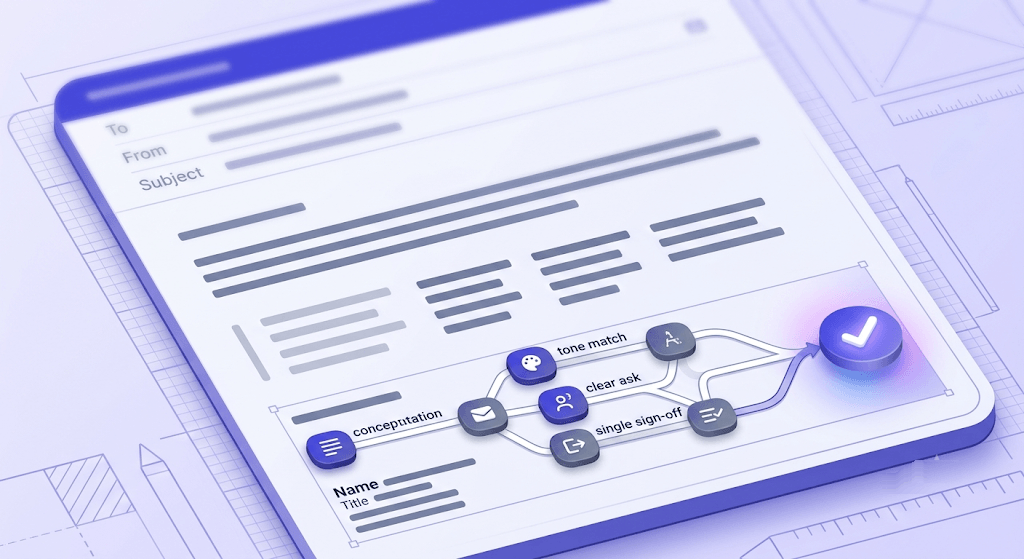
How to end a professional email: a quick reference
Free tool · no signup
Check whether your emails are actually reaching the inbox
Test your domain's authentication setup, sending IP reputation, and message structure in one pass.
Frequently asked questions
What is the difference between a closing statement and a sign-off?
Which email sign-offs are considered unprofessional?
How do I end a professional email when I need a response by a deadline?
Is 'Best' still an acceptable professional sign-off?
What should I include in a professional email signature?
How do I end a follow-up email without sounding pushy?
Can a bad email signature hurt my deliverability?
How do I adjust my email closing for different industries or seniority levels?
A well-crafted email closing earns replies. But if your sending domain has a broken SPF record or your signature is loaded with tracked links, the best-written closing in the world won't help — the email may never arrive. Before your next send, test whether your email lands in inbox or spam and make sure the infrastructure behind your message is as solid as the words in it.
Try Valid Email Checker free
Verify any email in under a second
Get 150 free verifications. No credit card. Auto-refund on every Unknown result — the only verifier we know that does this.
- 150 free credits when you sign up
- Auto-refund every Unknown verification (we're the only ones that do)
- 11-stage flow catches what 1-step checkers miss
- Drop-in integrations for Mailchimp, HubSpot, SendGrid, 14 more
Written by
Emmanuel KwartengEmmanuel is the founder of Valid Email Checker. He spends most of his time in bounce logs, verification data, and the gap between what email vendors promise and what actually happens when you hit send. He started the company because too much deliverability advice is guesswork dressed up as best practice, and he writes here to cut through it with the numbers behind each claim.