Apollo Email Finder: Verify Before You Send
 Emmanuel KwartengJune 11, 2026
Apollo gives you an email address in seconds. What it doesn't give you is any guarantee that address still works.
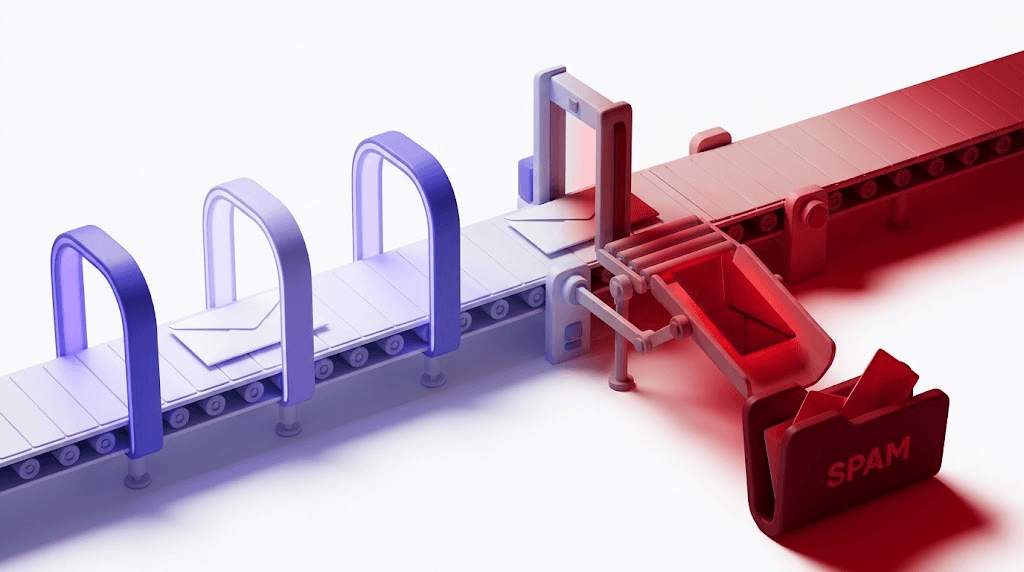
You already know the problem: you've built a list, spent credits, exported the CSV, and then watched your bounce rate climb past 2% on the first send. Your sending domain takes the hit. Inbox providers start routing you to spam. The campaign is dead before it finds its stride.
This post covers what Apollo's email finder actually does, where its accuracy claims come from, and — the part every other guide skips — exactly what to do with that export before a single message goes out.
What Apollo email finder actually is
Apollo is a B2B contact database. It holds 270M+ contacts and 35M+ companies, and when you search for someone by name, title, or company, it pattern-matches your query against stored records and returns a cached email address.
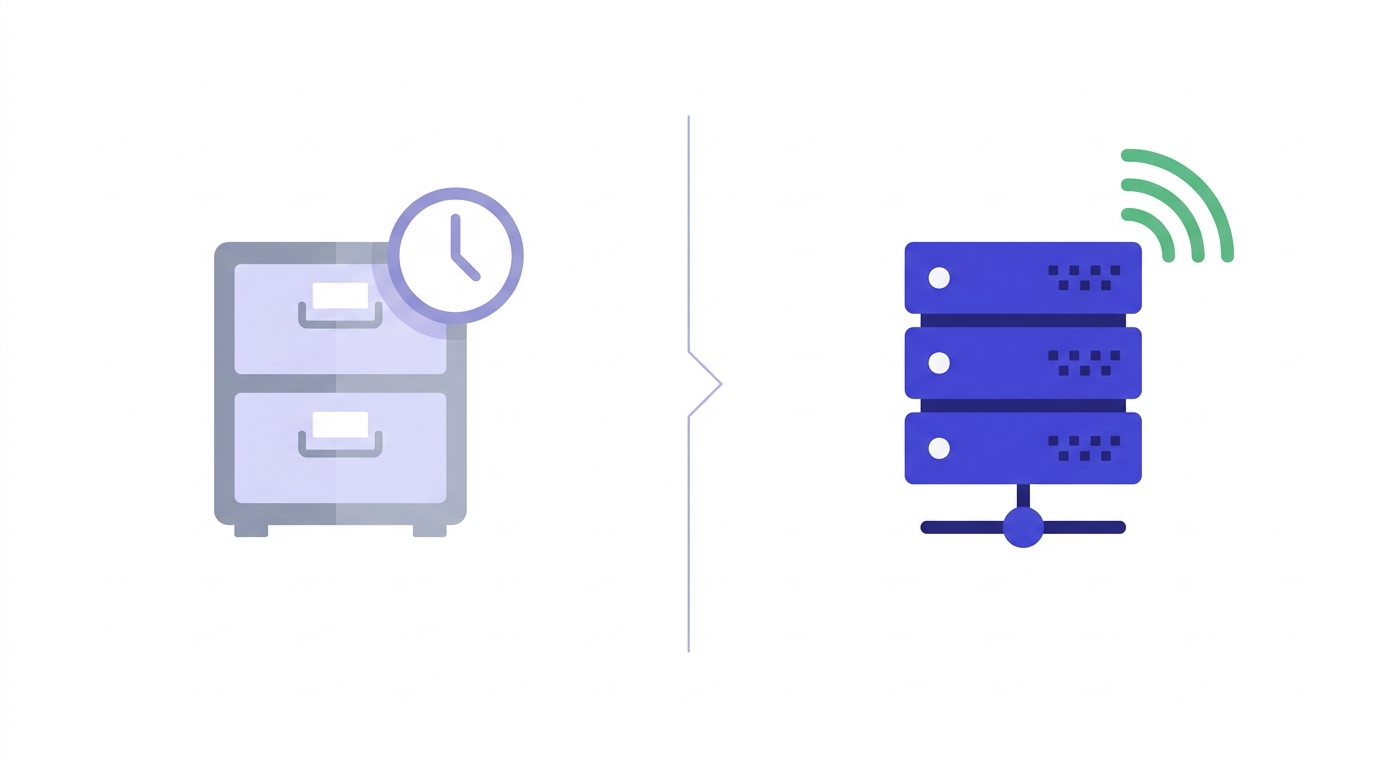
That word — cached — is the one most users gloss over. Apollo is not running a live discovery process when you click reveal. It is surfacing an address that was collected at some point in the past and stored in its index. The Chrome extension does the same thing on LinkedIn profiles and company websites: it looks up the person you're viewing against the same database, without switching tabs.
This is a meaningful distinction. A live email discovery engine would probe the target domain's mail server in real time and confirm whether the mailbox responds. Apollo does not do that at lookup time. It finds emails from its own database. A found email and a deliverable email are not the same thing.
That's not a knock on Apollo — it's how every large B2B contact database works. The database model scales; live SMTP probing at query time does not. But understanding the architecture tells you exactly why a verification step is non-negotiable before you send.
How Apollo's email finder works step by step
Search with filters
Inside the Apollo platform, search by name, job title, company name, industry, or any of 65+ filters. You're querying Apollo's index, not the live web.
Apollo returns a stored match
The platform returns an email address matched to that contact record. The address was collected at some point before your search — when exactly depends on how recently Apollo crawled or enriched that record.
Reveal consumes a credit
Credits are consumed on reveal, not on search. The free plan gives 50 email credits per month. Browsing results is free; unlocking the address costs one credit.
Chrome extension (optional)
The extension surfaces the same database while you browse LinkedIn profiles or company websites. Same credit rules apply — the reveal triggers the lookup and the deduction.
Export or push to your stack
Export to CSV, or push directly to HubSpot, Salesforce, or Apollo's own sequencing engine. Sequence sending and CRM sync are gated behind paid tiers.
The workflow is fast and the UX is polished. The friction point isn't finding the addresses — it's what you do with them before hitting send.
What Apollo's accuracy claims actually mean
Apollo's marketing page claims a 97% email accuracy rate. That number comes from Apollo's own internal validation pass — syntax checks, MX record lookups, and pattern-matching against known-good formats. It does not come from live SMTP verification against real mailboxes.
Third-party testing tells a different story. Octoparse published tests in 2026 putting real-world bounce rates at 15–35% for Apollo exports outside the US. That's a wide gap from 97% accuracy, and it's not random noise — it has a structural cause.
Apollo's database is refreshed periodically, not in real time. The average B2B professional changes jobs roughly every 2–3 years. Domain migrations, company rebrands, and startup failures happen faster. Every one of those events creates a stale record. The 97% figure may have been accurate when the address was first indexed. By the time you reveal it, the number that matters is the one your ESP reports after the send.
Where Apollo's coverage is weakest
Non-US markets, local businesses, and early-stage startups are the three areas where Apollo's database density is lowest. If your ICP sits in any of these segments, assume a higher stale-address rate than the headline figure suggests.
The deliverability consequences are concrete. A hard bounce rate above 2% is where inbox providers — Google, Microsoft, Yahoo — start treating your sending domain as a risk. At 5%, you're in active reputation damage territory. At 10%, you may be looking at a blacklisting. For context on how providers score your domain, check your sending domain's deliverability before your next campaign.
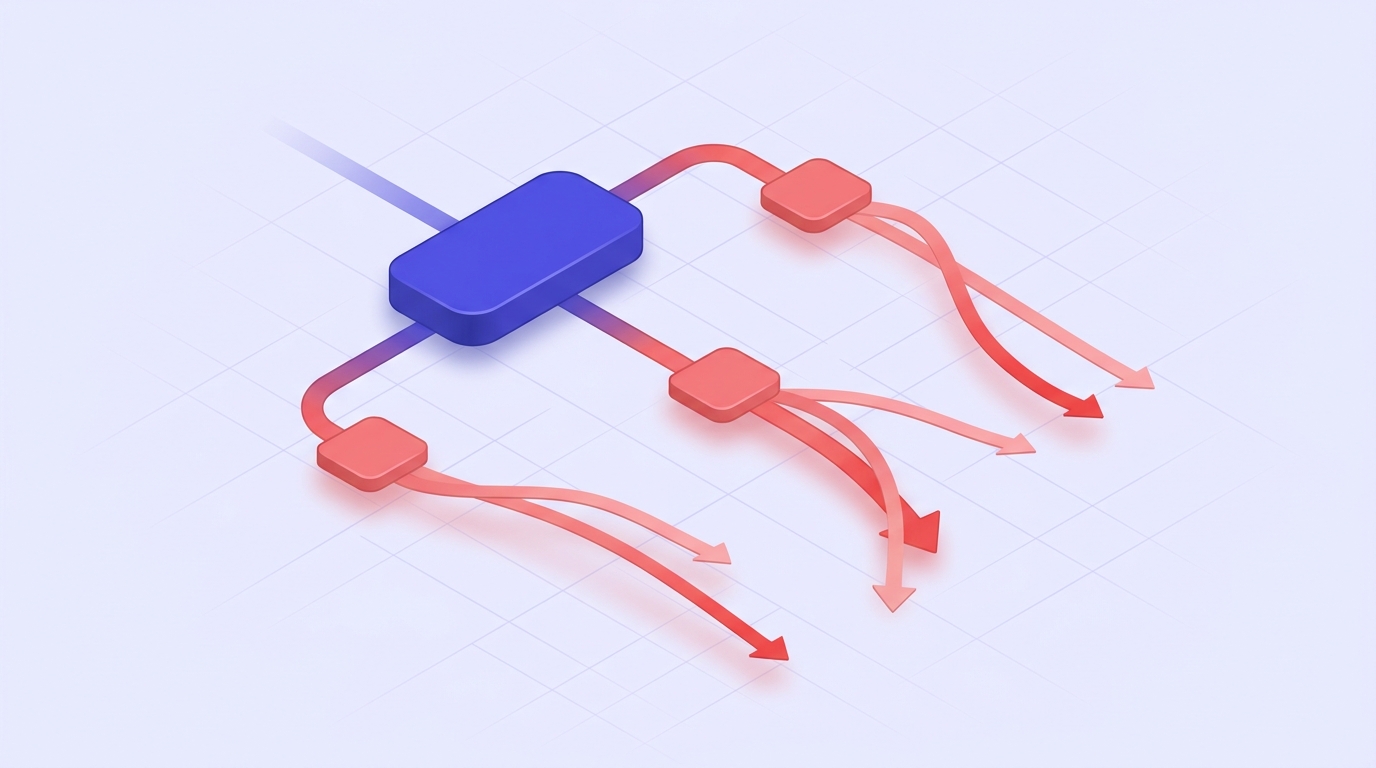
Apollo's free plan: what you actually get in 2026
The free tier gives you 50 email credits per month. Each reveal costs one credit. The Chrome extension is free to install, but the same credit limits apply when you reveal an address through it.
Paid plans start at $49/user/month billed annually. Higher tiers add more credits, sequence sending, CRM sync, intent signals, and enrichment at scale. If you're evaluating whether Apollo's data quality is worth a paid seat, 50 credits is a reasonable sample — but only if you verify that sample before drawing conclusions.
Here's the practical approach: use the free 50 credits to pull a sample from your target ICP segment. Export those addresses, run them through a verifier, and read the result mix. If your invalid rate is above 10% on a US enterprise sample, that's a signal worth taking seriously before you buy a full seat.
Use the free tier as a data-quality test, not just a product trial
50 credits is enough to verify a meaningful sample. A 20% invalid rate on 50 addresses extrapolates to thousands of hard bounces at scale. The free tier pays for itself in avoided reputation damage.
Why found emails still need verification before you send
Test an Apollo address before it hits your list
Paste any email — see the 11-stage result in seconds.
Powered by Valid Email Checker — full SMTP handshake, disposable + role detection, no card required.
Apollo confirms the address existed in its database. A verifier confirms it exists now and will accept mail. Those are two different questions, and only the second one determines your bounce rate.
Four specific address types in Apollo exports will hurt you if you send without verification:
- Stale addresses — the person changed jobs, the company rebranded, or the domain was retired. Apollo's record is accurate as of its last crawl; the mailbox no longer exists.
- Catch-all domains — common in enterprise environments. The mail server accepts every inbound SMTP connection regardless of whether the specific mailbox exists. Apollo cannot tell a real inbox from a catch-all trap. Sending blindly to catch-all addresses raises your bounce rate on delayed failures, which are harder to diagnose.
- Role addresses — info@, sales@, hello@, support@. Apollo surfaces these because they're real addresses. But they're shared inboxes with low individual engagement rates, and many spam filters treat them as lower-trust senders. They inflate your list size without adding real pipeline.
- Disposable addresses — less common in B2B, but they appear. Someone used a temporary address to sign up for a webinar; Apollo scraped it. Sending to these returns an immediate bounce or goes nowhere.
Running Apollo's output through an 11-stage email verifier catches all four categories before a single send. The 11 stages cover syntax, MX records, SMTP handshake, mailbox existence, catch-all detection, role detection, disposable detection, spamtrap detection, mailbox-full detection, disabled-account detection, and final classification. Read more about how the 11-step verification engine works if you want to understand what each stage is actually checking.
For a deeper look at why skipping verification costs more than the credits, why verify emails (and what happens if you skip it) is worth reading before your next export.
How to verify Apollo exports before sending
The process is straightforward. The discipline is doing it every time.
Export your Apollo list as a CSV
Include at minimum: email, first name, last name, company. The extra columns don't affect verification but you'll need them for personalization later. Apollo's export function is available on all plans.
Upload to a bulk verifier with SMTP-level checks
Syntax and MX checks alone won't catch stale mailboxes or catch-all domains. You need a verifier that runs an actual SMTP handshake against the target mail server. The bulk verification walkthrough covers the upload process step by step.
Read the result mix
invalid— remove immediately, these will hard-bounce.catch_all— suppress or send at low volume with close monitoring.role— suppress unless you're deliberately targeting shared inboxes.safe— send confidently.risky— send at reduced volume and watch engagement closely.Handle Unknown results correctly
If your verifier can't return a definitive status on an address, that result should cost you nothing. Valid Email Checker auto-refunds Unknown verifications automatically — no support ticket, no fine print. If your verifier charges for Unknowns, you're paying for noise. See why Unknown results cost more than they look for the full breakdown.
Re-verify segments older than 90 days
B2B email churn runs roughly 25% per year — about 2% per month. Any Apollo segment you pulled more than 90 days ago has likely decayed enough to warrant a re-run before reuse. This is especially true if your ICP is in high-turnover industries like tech, recruiting, or financial services.

Free tool · no signup
Verify your Apollo export before it sends
Upload a CSV, get Safe / Invalid / Catch-all / Role results in minutes. Unknown results are auto-refunded.
Apollo vs. alternatives: when to look elsewhere
Apollo is the right tool for a specific problem: finding contact emails at US companies with 50 or more employees. That's where its database density is highest and where the 97% accuracy claim comes closest to holding up.
Outside that sweet spot, other tools often perform better.
| Tool | Best for | Weakness | Verification needed? |
|---|---|---|---|
| Apollo | US B2B, 50+ employee companies, high-volume prospecting | Non-US markets, SMBs, startups, stale data | Yes — always |
| Hunter.io | Finding emails at a specific domain when you have the domain but not a name | Smaller contact database than Apollo, no sequencing | Yes |
| LinkedIn Sales Navigator + Chrome extension | Senior titles at smaller companies, higher signal accuracy | Manual process, slower at scale | Yes |
| Country-specific directories | Non-US markets where Apollo coverage thins | Fragmented, inconsistent data quality | Yes |
| Web scrapers (Octoparse, etc.) | Companies too new or too small for any B2B database | Time-intensive, legal gray area in some jurisdictions | Yes — especially |
The honest answer is that most serious outbound teams use Apollo as their primary source and supplement with one or two others for coverage gaps. The verification step is the same regardless of where the addresses came from. A found email is a hypothesis. Verification is the test.
Building a cold outreach workflow that doesn't wreck your domain
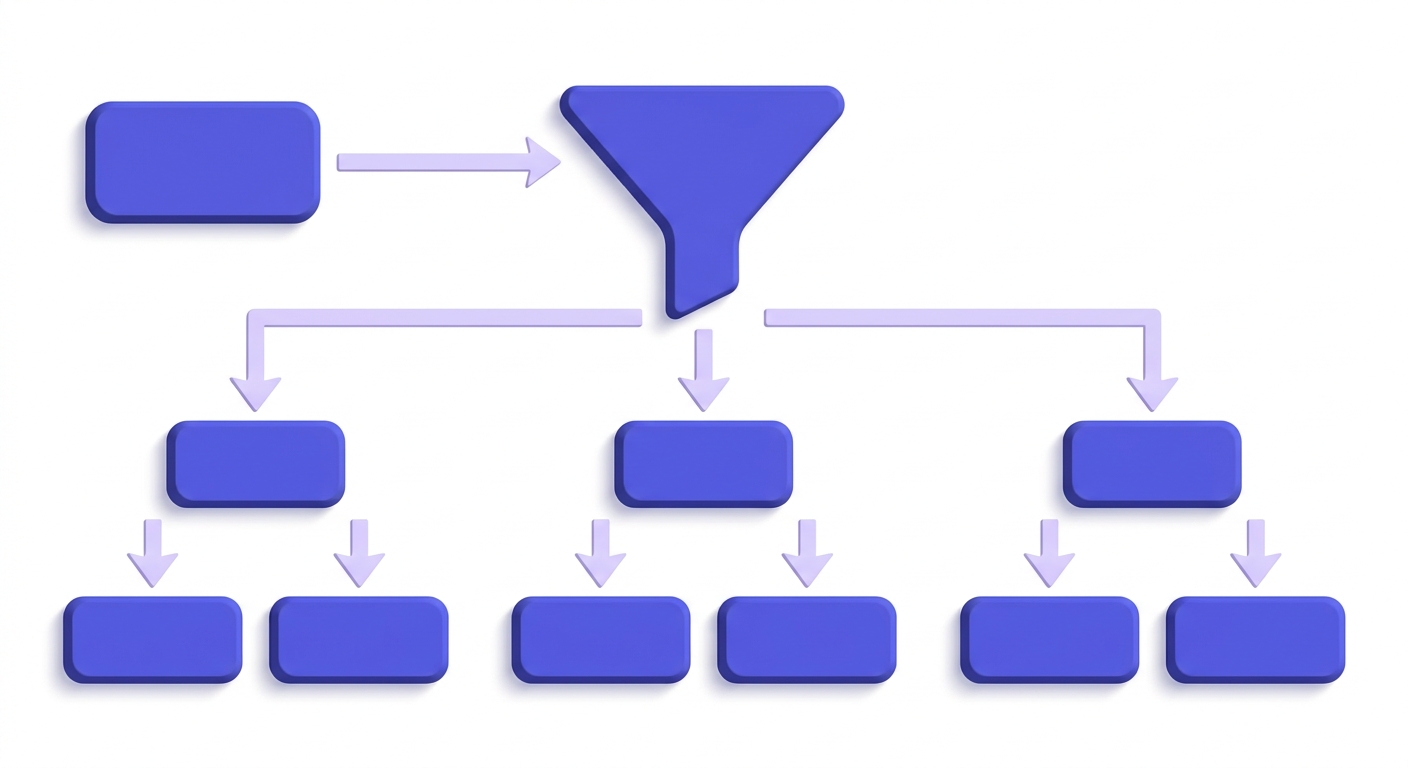
The senders who maintain deliverability at volume all follow the same four-stage sequence: Find → Verify → Segment → Send. Skipping verification isn't a shortcut — it's a debt that comes due on the second or third campaign, when your sending domain's reputation has quietly degraded.
A few structural decisions matter as much as list hygiene:
- Use a dedicated sending subdomain.
outreach.yourdomain.comkeeps a bad list from poisoningyourdomain.com. Your main domain handles transactional and marketing email; the subdomain takes the cold-outreach risk. - Warm the subdomain before bulk sends. Start at 50 emails per day and ramp over two to three weeks. Inbox providers need to see consistent, low-bounce sending behavior before they'll route bulk volume to the inbox.
- Suppress before you send, not after. Invalid, disposable, and spamtrap addresses should never reach your sending queue. The bounce report is not a cleaning mechanism — it's a damage report.
- Monitor reply rate and bounce rate together. A rising bounce rate with a healthy reply rate usually means part of your list is stale, not all of it. That's a re-verification problem, not a campaign redesign problem.
For SPF, DKIM, and DMARC configuration on your sending subdomain, what is an SPF record and why does it matter is a good starting point. And before any campaign goes out, check your sending domain's deliverability to see how inbox providers are currently scoring it. If your domain is already on a blocklist from a previous bad send, a domain blacklist check will surface that before you make it worse.
For a broader view of where deliverability enforcement is heading in 2026 — including Google and Yahoo's sender requirements — email deliverability in 2026: from rules to enforcement covers the full picture.
Free tool · no signup
Check your sending domain before the campaign goes out
See how inbox providers score your domain — SPF, DKIM, DMARC, blacklist status in one place.
The opinion most Apollo guides won't give you
Apollo is a genuinely useful tool for US B2B prospecting at scale. The database is large, the filters are good, and the Chrome extension saves real time. But the industry has done a disservice to outbound teams by treating "found" and "deliverable" as synonyms.
Apollo is the starting point. Every guide that ends at the export is selling you half a workflow. The half that gets skipped is the half that determines whether your campaign builds pipeline or burns your domain.
Apollo is the starting point. Every guide that ends at the export is selling you half a workflow.
Valid Email Checker
Editorial
The verification step isn't a nice-to-have for cautious senders. It's table stakes for anyone running campaigns at volume in 2026, where Google and Yahoo actively enforce sender reputation and a single bad batch can take weeks to recover from.
Run the export. Verify the list. Read the result mix. Then send. The bounce rate under 2% is not an aspirational target — it's the threshold that keeps your domain out of the spam folder.
Frequently asked questions
Is Apollo email finder free?
How accurate is Apollo's email finder in 2026?
Why are Apollo emails bouncing?
Do I need to verify emails I found with Apollo before sending?
What is the difference between Apollo's 97% accuracy claim and real-world bounce rates?
How many email credits does Apollo give on the free plan?
What are the best Apollo email finder alternatives?
How do I clean an Apollo export before a cold email campaign?
invalid addresses immediately. Suppress catch_all, role, and disposable addresses or segment them for low-volume testing. Re-verify any segment older than 90 days — B2B email churn runs about 25% per year. Unknown results should be auto-refunded by your verifier; if they're not, you're paying for noise.Apollo gets you to the export. What happens next is what actually determines your campaign's outcome. Run the result mix through a verifier, read what it tells you about your list, and send only what clears. The tool below handles the verification side — Unknown results are auto-refunded, so you're only paying for answers.
Try Valid Email Checker free
Verify any email in under a second
Get 150 free verifications. No credit card. Auto-refund on every Unknown result — the only verifier we know that does this.
- 150 free credits when you sign up
- Auto-refund every Unknown verification (we're the only ones that do)
- 11-stage flow catches what 1-step checkers miss
- Drop-in integrations for Mailchimp, HubSpot, SendGrid, 14 more
Written by
Emmanuel KwartengEmmanuel is the founder of Valid Email Checker. He spends most of his time in bounce logs, verification data, and the gap between what email vendors promise and what actually happens when you hit send. He started the company because too much deliverability advice is guesswork dressed up as best practice, and he writes here to cut through it with the numbers behind each claim.